
Start with the denied service line and the payer’s explanation. Confirm the patient’s Medicaid route for the date of service, match the submitted lines to the remittance, and check what the dermatologist documented for each lesion. If the remittance points to a coding edit, confirm the exact pair and find the governing guidance before making a correction. The action may be a corrected claim, a dispute with supporting records, or closure of a line that the record does not support.

Identify the organization that decided the line
Find the claim in the plan portal or the NC Medicaid Direct workflow used for the original submission. Use NCTracks Recipient Eligibility Verification/Response to confirm enrollment and health plan assignment for that date. Then confirm the organization responsible for adjudication. An office may see the same patient under a different claims route at a later visit. Preserve the original response and claim reference so a follow-up worker can identify the same transaction. Use the published plan instructions for any correction or dispute and record the deadline from that source.
Read NC Medicaid claims and billing instructions
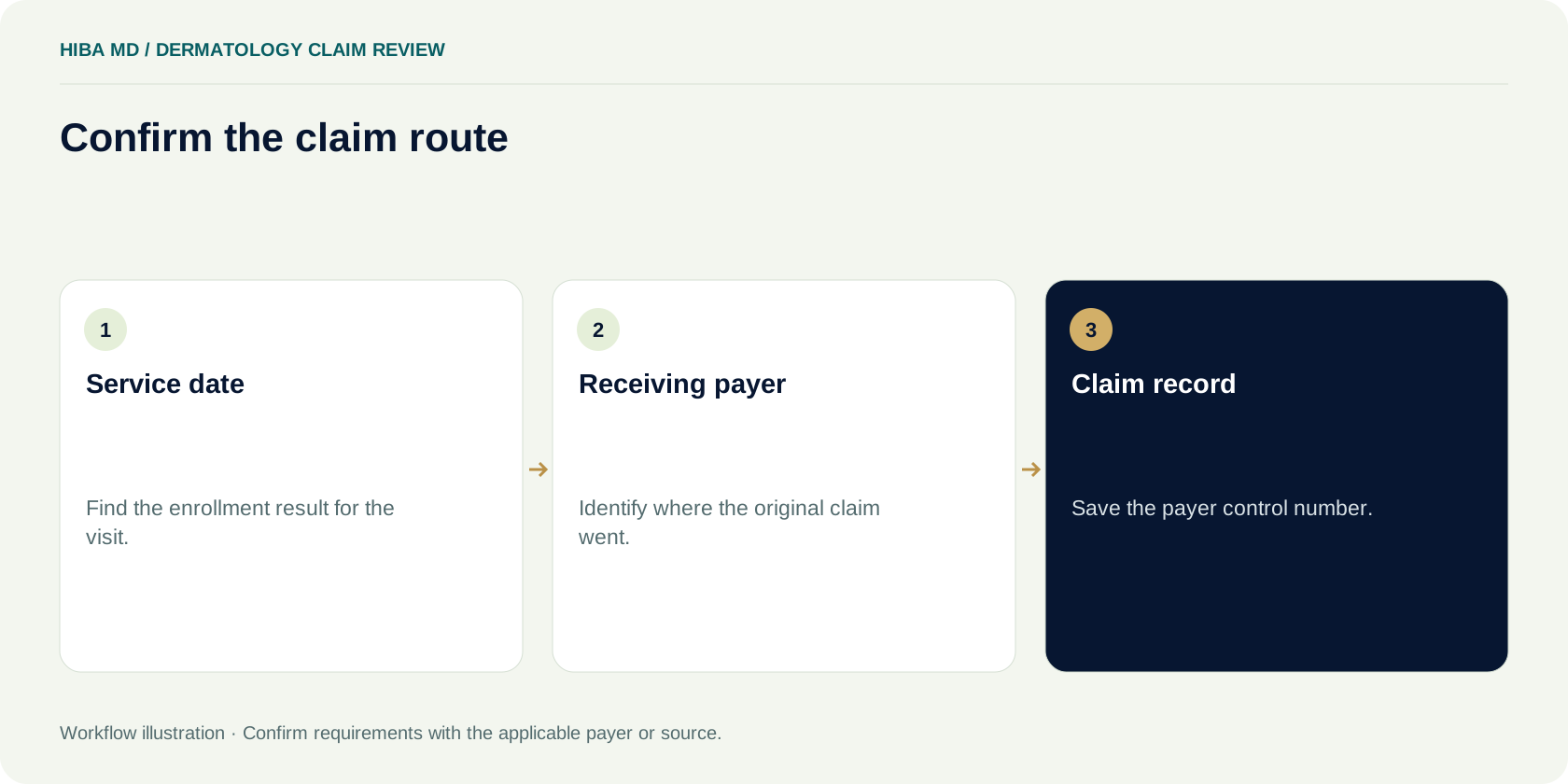
Match the remittance to the submitted service line
Read the adjustment group, reason and any remark code for the specific denied line. Record the amounts and disposition of the other lines. If one procedure paid, the claim-level balance cannot tell the team which service caused the adjustment or why. Find the submitted line in the practice system and reconcile it to the remittance. If someone has already acted on the claim, locate the submission and payer response before opening another correction.
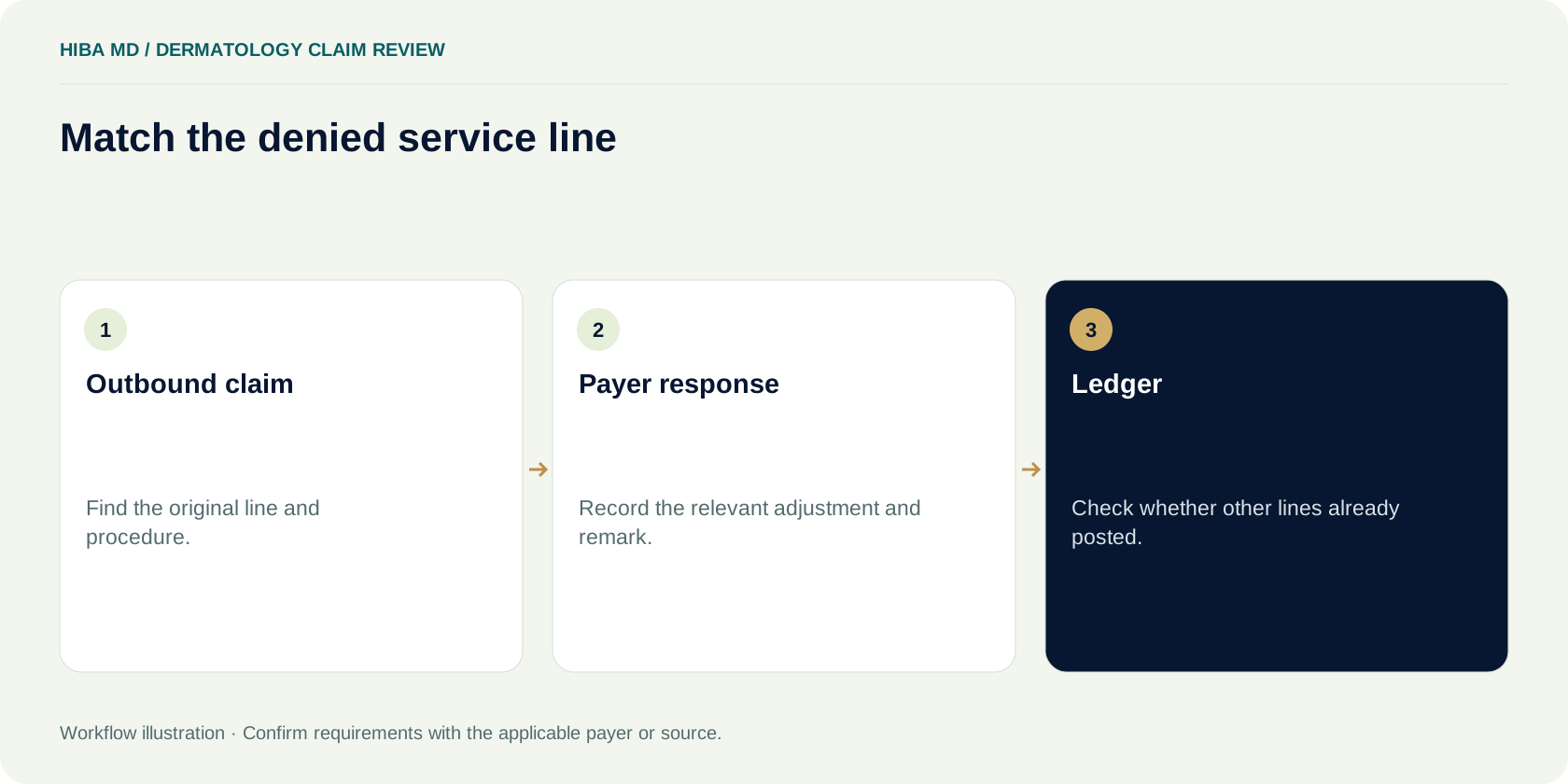
Ask what the procedure note establishes
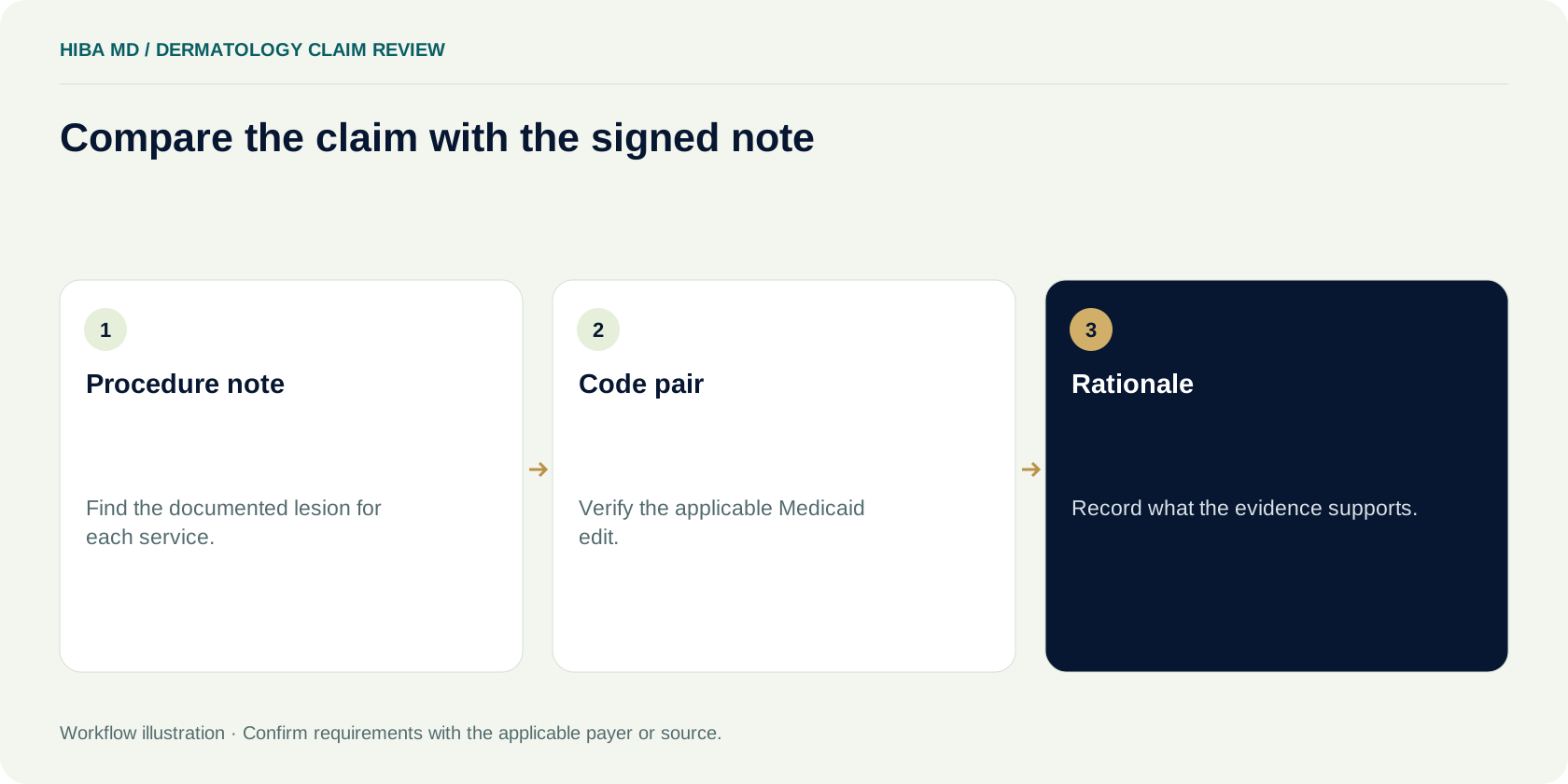
Give the coding reviewer the complete, signed procedure note and the original claim. The note should let the reviewer map the services to lesions by location and written identifiers the clinician actually used. Review the applicable Medicaid NCCI manual, the edit for the relevant codes and date, and the payer’s published instructions. If the chart is unclear, ask the clinician a neutral clarification question through the practice’s established process. Do not add a modifier just because a previous claim paid with one.
Compare two fictional records
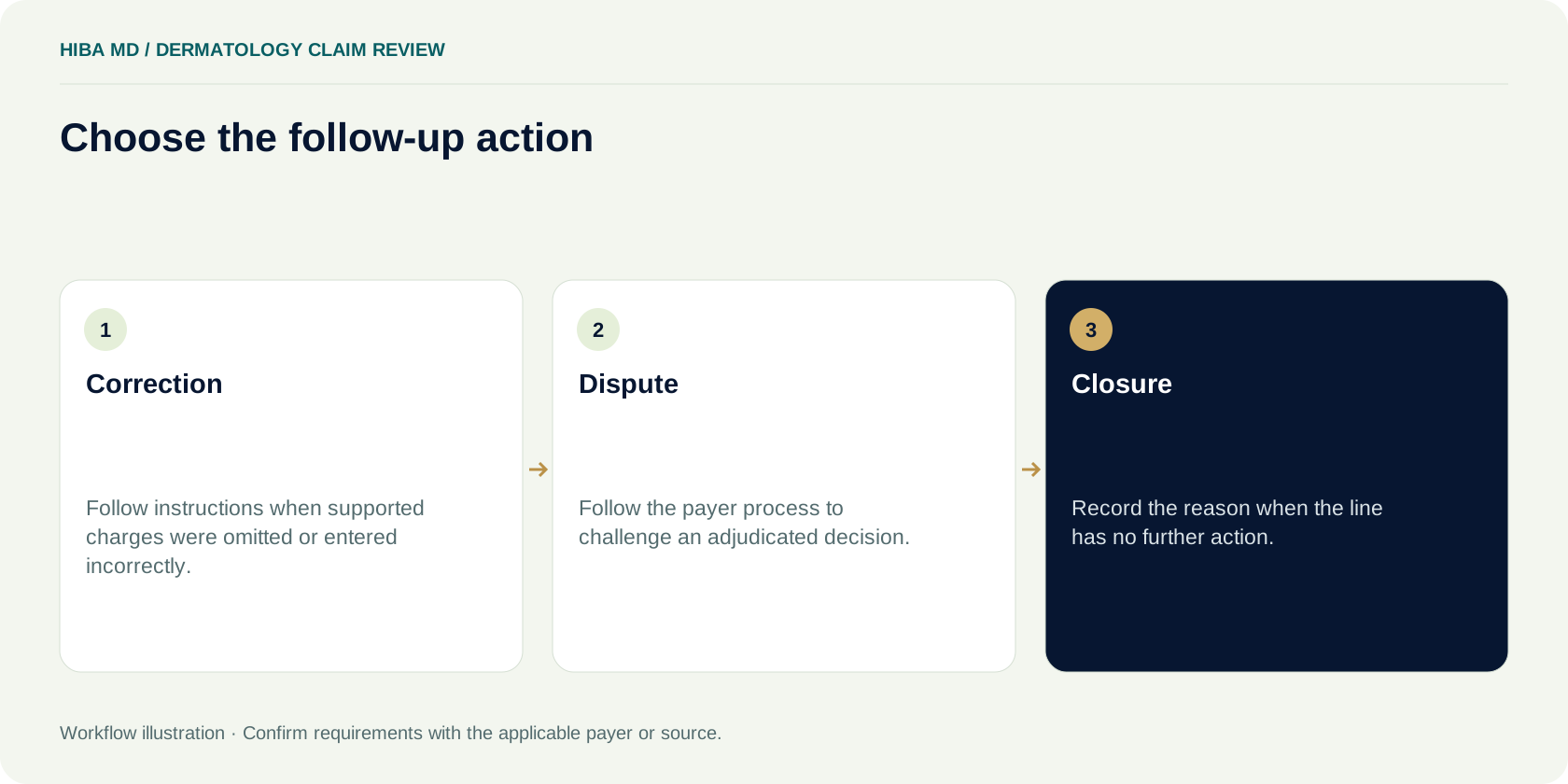
Case NC-D01 has one lesion. The note describes tissue obtained as part of its removal during the same encounter. A biopsy line denies while the removal line pays. Have the coding lead decide whether the documented work supports the original lines under the applicable rules. If the biopsy was part of removal of that lesion, keep the rationale for closing the issue and address the recurring charge workflow.
Case NC-D02 documents a biopsy on one lesion and removal of a different lesion. Give the reviewer the submitted code pair, the record that distinguishes the sites, the edit and the payer’s response. Let the reviewer check whether separate reporting is supported and which correction or dispute procedure the payer publishes. Record the outcome under the same claim and line references. The existence of two documented sites still leaves the code pair and payer procedure to verify.
Preserve the records that explain the decision
Save the version of the claim that reached the plan. The charge screen may reflect changes entered after the first submission, so the screen alone is a poor record of what the payer received. Look for the accepted submission in the clearinghouse or plan portal, then use the corresponding remittance. Confirm the service date and billing entity before asking a coder to look at the procedure. If there are two submissions for the encounter, find the payer’s claim control number for each and work out which version produced the decision you are reviewing.
The North Carolina managed care billing guide describes remittance information at the claim and service-line level. Start with that detail. An adjustment code helps identify the question for the payer or coder, but the code on its own may leave something unresolved. When a remittance provides a group code, a reason code and a remark, record the combination. If the plan has a related message in the portal, save its location. A short description such as “bundled” may be all that fits in a queue column. The reviewer needs the underlying message to answer the question.
If a line is missing from the remittance, compare the accepted claim with the response before calling the service denied. A missing line may direct you back to charge entry, an earlier submission response, or the plan. Record the evidence for whichever path you take. A claim-level “processed” label may be enough for batch tracking, but it leaves the disposition of an individual line to be checked.
Give clinical staff a question they can answer
Suppose a procedure note describes a shave biopsy on the left upper back and a removal elsewhere in the same visit. The signed text and the charge record use different location descriptions. The coding reviewer needs to establish whether both refer to the same lesion. Ask the clinician to identify which documented procedure belongs to which documented lesion. An inquiry about which modifier to add gives the clinician an administrative conclusion to endorse. Give them the original record and a specific documentation question instead.
The review record should tell the next biller what the coder relied on. “Reviewed with provider” leaves the same ambiguity that started the call. Record where the signed note or properly entered clarification supports the distinction. Keep clinical details in the approved record. A billing worksheet can link to the note and state the administrative decision without repeating the full description.
A date-specific edit check belongs in that record too. The CMS Medicaid NCCI manual explains the policy for the code family. The biller still needs the applicable edit and the plan’s procedure for contesting the decision. Save the reference or edition you used and enough detail to find it later. When practical, have the reviewer state what the chart supports before another person decides how to transmit the correction.

Settle routing before altering the charges
In fictional case NC-D03, a payer response indicates that the member is enrolled elsewhere. The submitted charge includes a skin biopsy and a separate procedure. The practice has seen similar coding denials recently, so a biller starts looking up the code pair. Here the first question belongs to eligibility. Confirm the member’s enrollment for the exact service date using the approved verification route. Compare that result with the plan that received the claim. If the claim went to the wrong organization, follow the applicable submission instructions and document who owns the next deadline. Change the original charge only when a separate review supports it.
A second staff member can check whether the first payer has already taken an action that affects the next submission. Record the status from the portal or remittance. If the payer’s procedure requires a further step, give it a due date and retain the confirmation. The biller who resolves the routing problem should be able to return the file to the coder with the original claim and all later submissions still traceable.
Review the result after taking action
Open the next response and match it to the specific claim or request reference. A corrected claim may change the disposition of lines that previously paid. Compare the new line amounts with the original remittance and let the posting team know where a payment or adjustment needs review. If the plan upheld the denial, record its stated reason and compare it with the one that prompted the request. The practice may need to ask a different question, or close the item based on the current record and the applicable process.
A supervisor reviewing the file should be able to see the line at issue, the delivery date, and the next trigger. A generic “sent appeal” note provides none of those details. Use the portal confirmation or other approved receipt and record the response date the team will check. When a file depends on a clinician’s response, place that request in the queue with its own owner. The payer deadline remains visible in the same record.
Save enough information to reproduce the review
Start a line review with the service date, the plan that paid or denied the claim, the billing group and the identifier assigned to the accepted claim. Add the line number and procedure from the outbound file. Then enter the adjustment and its source. A staff member who was out the day the batch arrived should be able to open the same documents using those fields. If the review relies on an attachment the payer already has, record the receipt reference and where it can be found.
The service date belongs beside the payer name because a practice may have several encounters in the same month with different coverage. The claim control number belongs beside the service line because a correction can produce a second claim record. If the portal shows both an original and an adjusted record, review the status of both before changing the balance. A ledger note that names only the most recent number can make the first payer decision difficult to recover.
Use the approved practice system for chart access. The billing worksheet needs an evidence location and a short statement of the open question. A work item can say “Confirm whether the removal refers to lesion B in the signed procedure note” without carrying a copy of the complete note in the queue. Record the date the question went to the coder or clinician and the date the worker will check for a response.
Compare the submitted claim with the signed note
In a sample case, the procedure note labels one lesion on the right shoulder and another on the left forearm. The exported charge record lists a biopsy and a removal but no reference to the clinician’s lesion labels. The reviewer pulls the original documentation and checks the line descriptions against the two procedures. The review should establish which action belongs to which lesion and identify where the note supports that mapping. It matters whether the discrepancy originated in the chart or during charge entry because different people can resolve those problems.
Use the CMS Medicaid National Correct Coding Initiative manual for the coding question. Chapter III discusses lesion removal and biopsy at the same encounter. It distinguishes tissue sampled from the lesion being removed from a biopsy performed on a different lesion. The second situation may support separate reporting when the exact services, record and applicable edit support it. Confirm the relevant code pair and effective date through the applicable Medicaid edit files and instructions. The policy text describes the principle. The actual edit and the documentation belong in the case review.
A plan may show an adjustment that sounds like a coding edit when the underlying question involves the type of service billed or the circumstances of the visit. Have the coder write down what the current record supports before anyone enters a correction. A review ending in “separate reporting supported, original submission omitted a documented detail” gives the follow-up worker a different job from “both procedures refer to the same lesion.” Preserve that distinction in any handoff.
Choose the next submission based on the cause
A correction may be appropriate when the original claim did not reflect the supported services and the payer accepts the relevant change through its corrected claim process. The biller should find the payer’s instructions for the specific issue and use the identifiers and submission channel those instructions require. Check whether staff need to resubmit the claim in full or send information through another designated process. Write the date and the reference next to the reason for the correction so the posting team can match the response.
A dispute is a different task. For example, a plan may have received the intended claim and made a decision the practice has grounds to challenge. Assemble the original claim, the identified line, the decision, and relevant supporting documentation. Follow the plan’s instructions for the applicable review process. State the action the practice is asking the payer to take and the supporting evidence. If an attachment is required, use the approved channel and confirm that the file was received.
Sometimes a phone inquiry or secure portal question comes first. Use it when the details on the remittance leave the decision unclear. Include the claim reference and the line the plan needs to explain. Save the reference for the question and the payer’s answer when it arrives. Check the filing or dispute deadline independently and assign someone to act before it. A follow-up note with a phone call date tells you someone called. It does not establish that the payer received a correction or dispute.
Keep the deadlines visible when work changes hands
A denial may move from posting to coding, then to the practice manager or payer follow-up. Record the deadline source and the event that starts the clock. The task due date and the payer deadline serve different purposes. A clinic can set a Wednesday deadline for a coding review and still record the later payer deadline for the action. If someone needs a note from the clinician, put it on the same work item with a due date that leaves time to respond.
When staff disagree on a deadline, reopen the applicable policy or provider manual and verify the payer, product, action and time trigger. A link to the policy is more useful when the note also identifies the paragraph used and the date it was reviewed. Save the decision within the approved system. If the action window is unclear, give a staff member ownership of the inquiry and record when it must be escalated.
Confirm closure after any transmission. If the payer’s next result arrives through a different channel than the initial remittance, save the result under the same claim record. Let posting know whether the payer issued a payment, kept the decision or changed a line that had already paid. A quality review can then reproduce both the administrative decision and the account balance without relying on one person’s recollection.
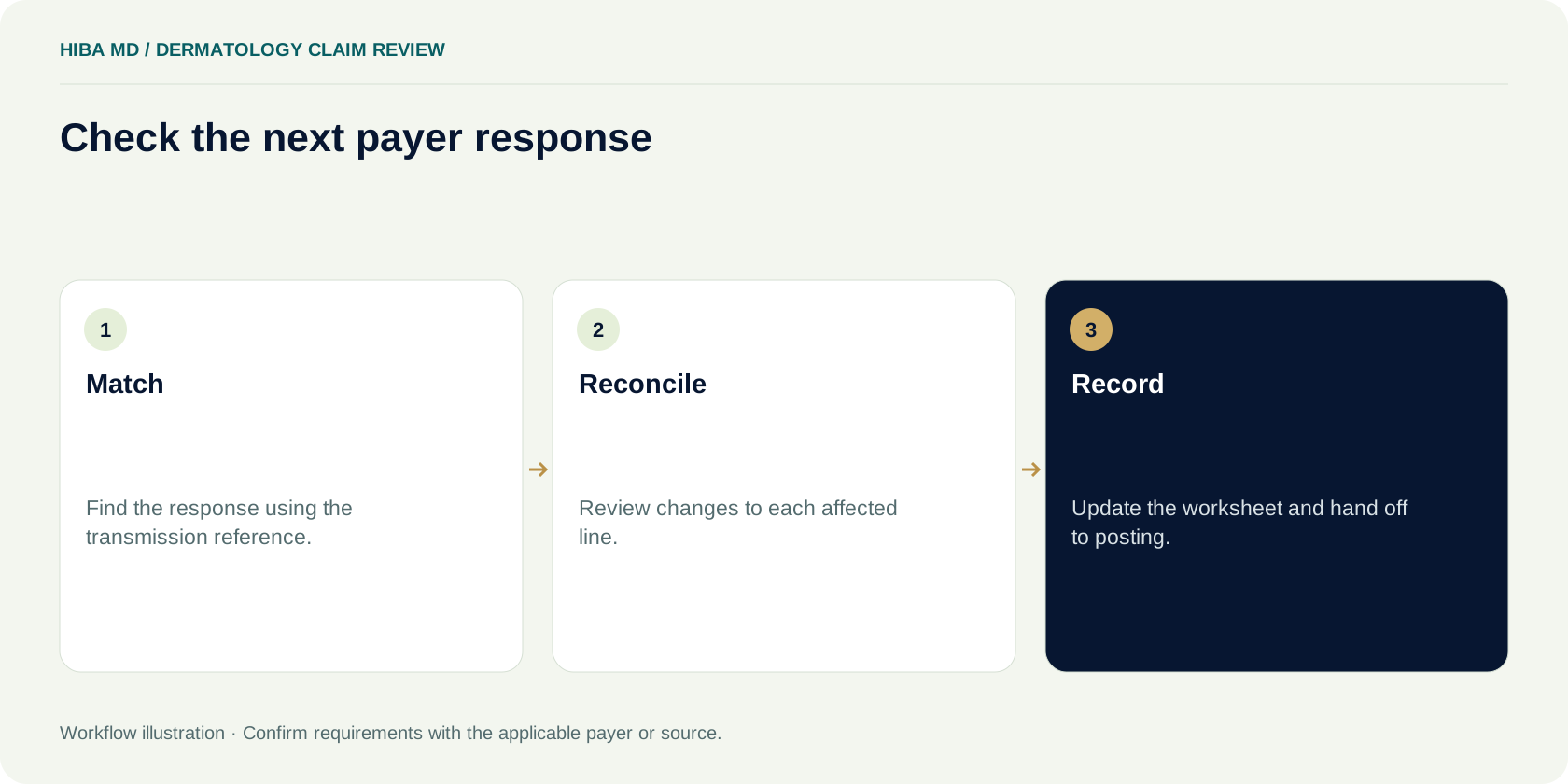
Test the workflow on an ordinary reporting week
Throwing every dermatology adjustment into a shared “coding” queue makes it hard to tell which problems can be prevented. For a small audit, select a week and list the denied lines for the claims the practice chose to review. For each line, mark the first question the team had to answer. Was the claim routed to the correct payer? Did the note distinguish the procedures? Did the claim reach the payer with the information supported by the record? The first question helps identify the person who can make the next case easier.
Suppose a fictional review finds eight lines needing attention. Three had unclear procedure-to-lesion mapping, two had stale payer assignments in registration, and three needed separate payer inquiries about the decision. Give each issue a response. The documentation lead can discuss the note structure with clinicians. The eligibility team can test the trigger it uses to refresh enrollment. The billers can tighten the questions they send to the plan. Run the same review on a later set of cases and compare the categories before attributing any change to new training.
Keep the denominator with any rate you circulate. Eight affected lines out of 120 reviewed lines is a different measure from eight affected claims out of 120 claims. A week’s action list can use line counts while the practice’s reporting dashboard uses claim counts. Title each measure with its unit and save the date range. That lets another manager see whether the change came from the billing workflow or from a change in the way the report was counted.
A worksheet a backup biller can use
Write down the service date and the coverage result, then identify the payer that received the submission. Include the claim control number and line number for the decision under review. Record the remittance codes and a short account of what the payer says happened. Store the location of the signed procedure note, the applicable rule and the original accepted submission. Leave time to add a brief reason that another staff member can understand after the case closes.
Add two fields for action. The first names the next step and the person responsible. The second records the deadline, where it came from, and how the practice will confirm receipt or review the resulting remittance. When the line resolves, enter the outcome and tell posting whether the patient balance needs review. If a supervisor must approve a write-off or adjustment, record that action under the practice’s normal authorization process.
Before rolling out the worksheet, give a backup biller a closed fictional case. Ask them to find the first accepted claim, the denied line, the evidence behind the next action and the final payer answer. Then ask them to point to the applicable deadline. Wherever they have to reach out to the original reviewer, add the missing source or status field. Keep the form short enough that staff still use it when several batches arrive at once.
Prevent repeat denials at charge review
Start with procedure notes that already contain enough information to allocate work to each documented lesion. Ask the charge reviewer to trace two sample visits into the claim file. In one sample the biopsy relates to the lesion removed. In the other, the note describes a biopsy at a separate site. Use the same charge entry process for both samples and check where the system asks for supporting information. If the reviewer has to infer which line belongs to which procedure, record where the clinical detail was lost. Ask the person who owns that part of the workflow to review the test with you.
Check how the charge queue handles a case when one piece of evidence is missing. An experienced coder might know where to find a document that a substitute cannot locate. Agree which files must be available at review and record how to hold an incomplete case. In a fictional office, the team adds a work item for missing signed notes instead of releasing late charges from an inbox. The practice manager checks the queue each afternoon and assigns cases approaching the relevant filing window. The arrangement gives the coder a named person to contact when the queue cannot be cleared from the available records.
Review any rule flag in the practice system against the payer instructions and the claim facts. An automated edit can surface a pairing for review. Save the reason when the reviewer changes an entry after checking the signed note and the applicable instructions. If a case requires unusual handling, document the source and select an owner for follow-up after submission. Watch for the response that confirms the claim reached the intended payer, then check how it adjudicated. Confirming receipt and confirming adjudication belong on different dates in the example worksheet because the biller needs to know which response is still outstanding.
Revisit the process after staff rotate. Have a backup coder and a backup biller take an example across the handoff while the regular owners observe. Ask how each worker identifies an accepted submission, finds the governing instructions, and knows when the follow-up is due. A single change to the work item may be enough if the only missing detail is the note reference. When the same problem recurs across locations, bring two cases to the practice manager so the decision can use a real comparison of where the information stopped moving.
Frequently asked questions
Which payer should review a denied North Carolina Medicaid dermatology claim?
Confirm the enrollment and responsible payer for the date of service. Compare that result with the payer that received the original claim. Use the applicable NC Medicaid Direct or health plan instructions.
How do I know which procedure the payer denied?
Match the accepted claim to the service line on the remittance. Review the adjustment group, reason and remark when available. Use the portal or payer contact when the response leaves the line unclear.
Can a practice report a biopsy and removal at the same visit?
Review the specific procedures and the signed note. The CMS Medicaid NCCI manual distinguishes sampling during removal of the same lesion from biopsy of a different lesion. Verify the actual edit and payer instructions before changing a claim.
Should we correct or dispute a denial?
Use the documented cause and the payer’s process. A supported change to the submitted claim may use the correction route. A challenge to the decision may call for the applicable dispute process and evidence.
Can we copy the deadline from another Medicaid plan?
Check the responsible payer’s instructions for the action and its timing trigger. Record the source and date reviewed with the case.
What belongs in a denial follow-up worksheet?
Record the service date, claim and line references, payer response, record location, next action, owner and deadline. Add the receipt and resulting payer decision when available.
Sources and editorial notes
Written by the Hiba MD editorial team. Reviewed 2026-11-19. Worked examples use illustrative figures, not client results or performance benchmarks. This guide explains administrative workflows; check current payer requirements for claim-specific decisions.
