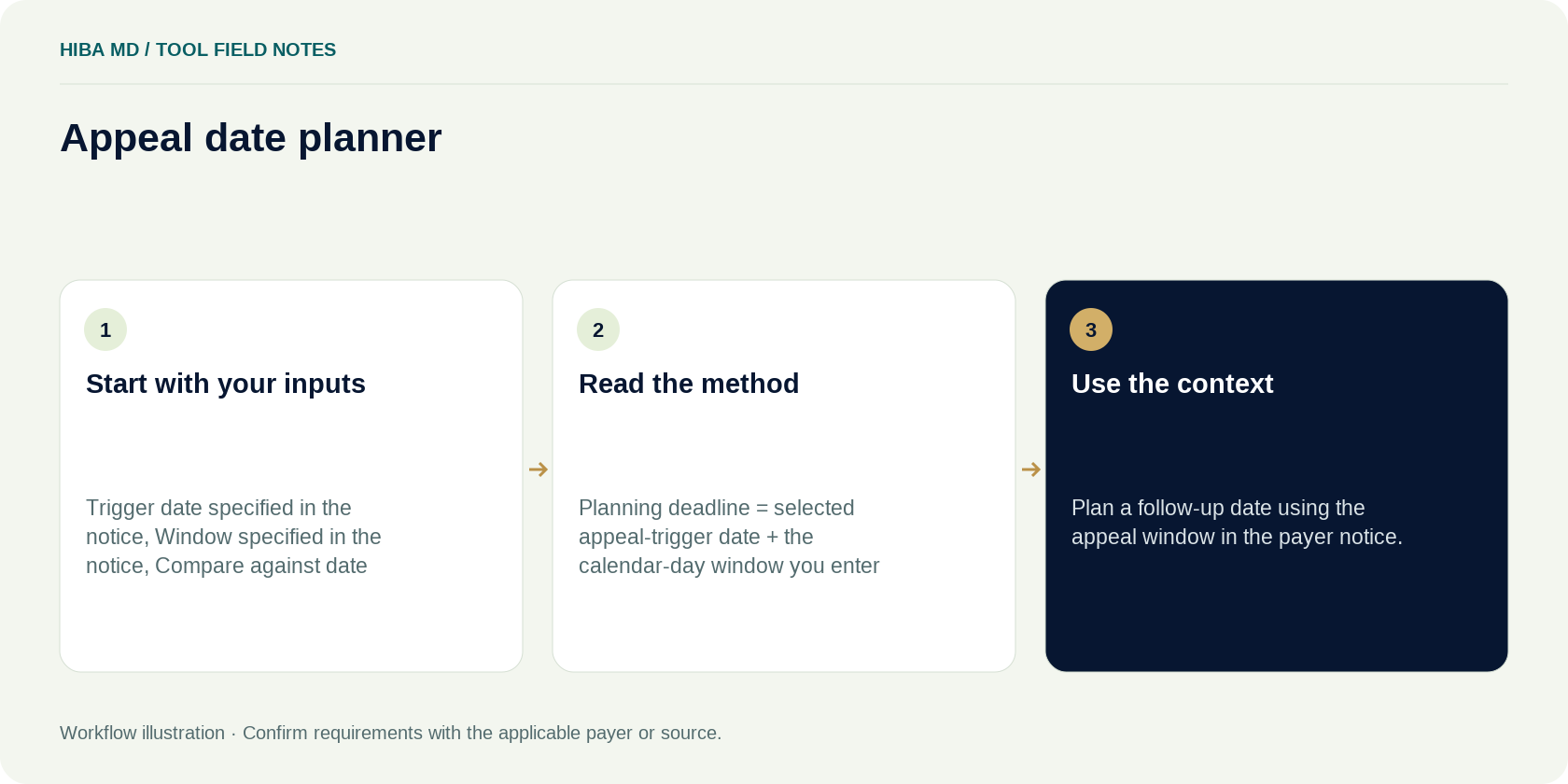
The formula and assumptions
Three steps to a useful result
Gather the figures
Use a compatible period, a documented definition and aggregate practice data. The initial values are examples, not a quote or industry benchmark.
Review the result
Check the displayed formula and the assumptions you supplied. A result can be mathematically correct while still describing an incomplete cost or reporting scenario.
Decide the next question
Save the local result and identify the workflow behind it. If you want to discuss that work, request a free audit using business information only.
What to enter
Trigger date specified in the notice
Use the value from your practice records for the same reporting period. Keep the unit shown beside the field and check that the amount belongs in this measure.
Window specified in the notice
Use the value from your practice records for the same reporting period. Keep the unit shown beside the field and check that the amount belongs in this measure.
Compare against date
Use the value from your practice records for the same reporting period. Keep the unit shown beside the field and check that the amount belongs in this measure.
What the result can tell you
Use this tool to plan an appeal date from your verified payer window. Its result describes the inputs and assumptions shown here. It does not promise collections, identify the correct payer rule or establish the terms of a Hiba MD service arrangement.
Use consistent records, check any unusual value and keep the source definitions available. A large variance is a question to investigate, rather than evidence of a billing error on its own. Compare the result with the actual account or report evidence in your approved practice system.
Questions about this free tool
Is this tool free?
Yes. The appeal date planner is free to use without an email signup. Hiba MD also offers a free billing audit and a free first month of medical billing services.
Where do my inputs go?
The calculation or checklist runs in your browser. This website does not send these inputs to a billing database. A result you download is saved on your own device.
Are the sample values a quote or benchmark?
No. Any prefilled values are illustrative assumptions. Replace them with compatible practice figures or an actual quote before interpreting a scenario.
Can this verify payer coverage or submit a claim?
No. These are administrative planning and reference tools. They do not connect to payer systems, verify coverage, establish enrollment or submit a claim.
How can I turn this result into a billing review?
Save the result for your own planning, then tell Hiba MD which business workflow you want to discuss. Book a free audit or call 980-347-0695. Keep patient information out of the website inquiry.
Official reference points
Original Hiba MD planning resource. Reviewed 2026-10-31. No patient-level data is needed.