
Match each Original Medicare deposit to its remittance using the payment trace. Separate provider-level offsets from adjustments on individual claims. If a cardiology line appears underpaid, compare its actual allowance with an estimate for the billed service, setting and component before deciding whether to contact First Coast.

Open the deposit and the remittance together
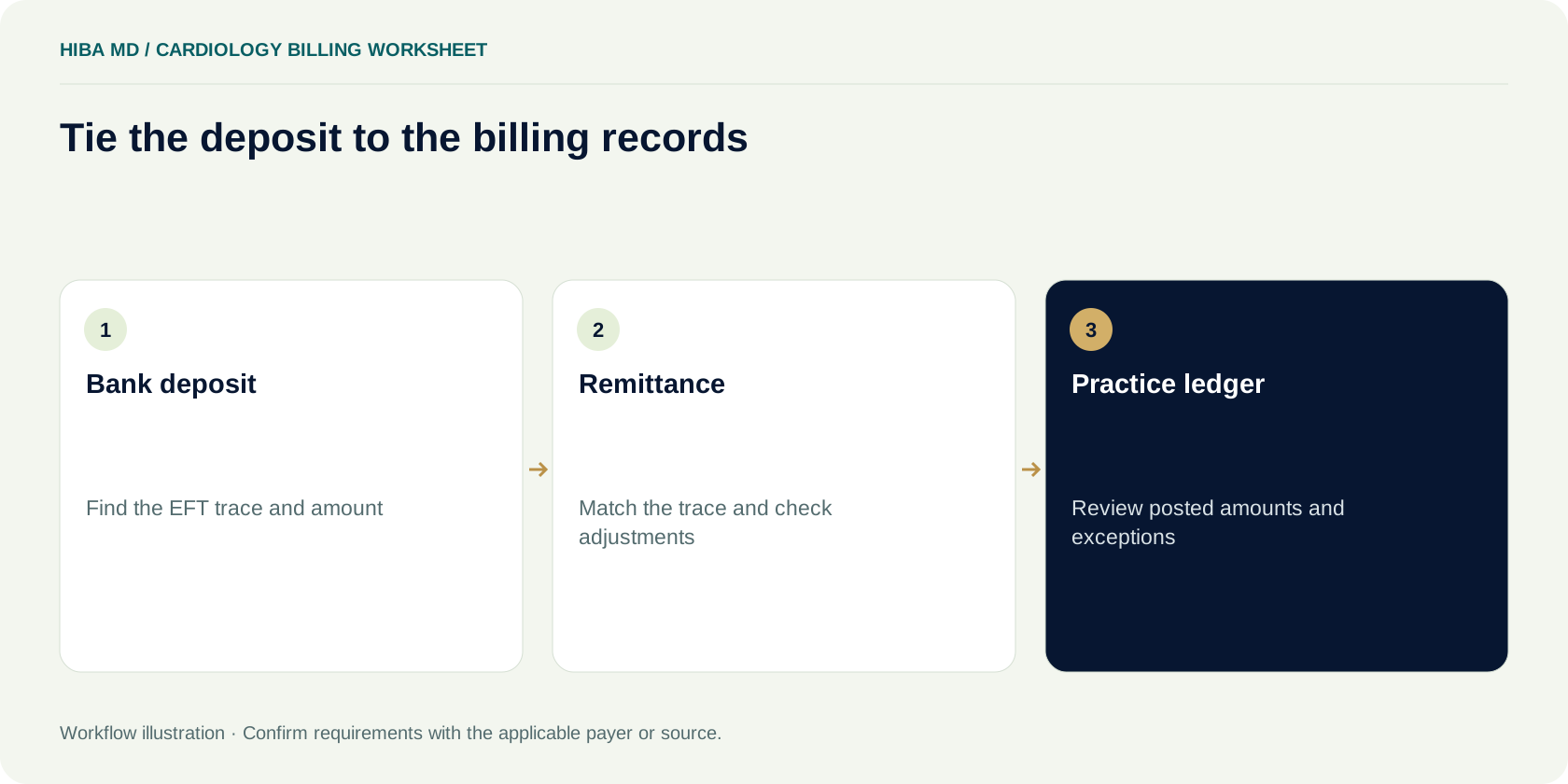
The bank shows an $860 Medicare deposit. The posting screen shows $900 in payments across the cardiology claims that came in that morning. Before anyone adjusts the patient ledgers, find out whether the two amounts refer to the same payment. A later deposit may have arrived before an earlier remittance, and a provider-level deduction can change the bank amount without changing any of the listed claim payments. Use the payment reference to separate those cases.
Start with the electronic funds transfer, or EFT, and the corresponding electronic remittance advice, or ERA. In its payment reassociation guidance, CMS explains that the trace information in the ACH addenda should match the trace information in the ERA. Ask finance or the bank how to retrieve the payment addenda if the normal bank view cuts off the detail. Save the matching reference in the reconciliation record and record when each file arrived. Amount and posting date can help narrow the search, particularly when the trace is missing from the first view.
A practice that posts automatically should give someone a way to see which transactions never paired. Put an EFT without a remittance into one queue and a remittance without confirmed cash into another. Include the expected amount, receiving entity, trace when available and the next person to check it. A short note like “Bank entry posted Monday, ERA missing from clearinghouse download, check payer file delivery Tuesday” gives the next reviewer a place to start. It also protects against importing a recovered file twice.
Confirm who processed the Florida claim
This guide covers professional cardiology claims under Original Medicare Part B. CMS lists First Coast Service Options as the Medicare Administrative Contractor for Jurisdiction N, which includes Florida. Use First Coast's current provider instructions for the claims it processes. For Medicare Advantage, verify the plan on the date of service and use that plan's payment policy and dispute process. The patient's Medicare identifier may appear in more than one system, so work from verified coverage and the entity that issued the actual remittance.
Match the billing entity and receiving bank account before posting. A practice with multiple groups or sites can receive files that look similar even when they belong to different ledgers. Compare the payee on the remittance with the payer enrollment record and the receiving account. Use the clinic's approved lookup method to confirm the claim identifier and service date. If a batch appears in a shared inbox, the person downloading it should label which entity owns it before passing it on.
Keep professional and facility records clear when reviewing hospital-based work. For example, the cardiologist's office may have a professional claim for interpreting a study while the hospital handles its own billing. Compare the remittance to the service and component the practice actually submitted. If the first person checking the issue only has an appointment entry that says “echo,” ask for the claim line and supporting record. Two systems can both use that label for different pieces of the encounter, and an appointment description rarely gives enough detail to explain an allowed amount.
Reconcile the payment at three levels
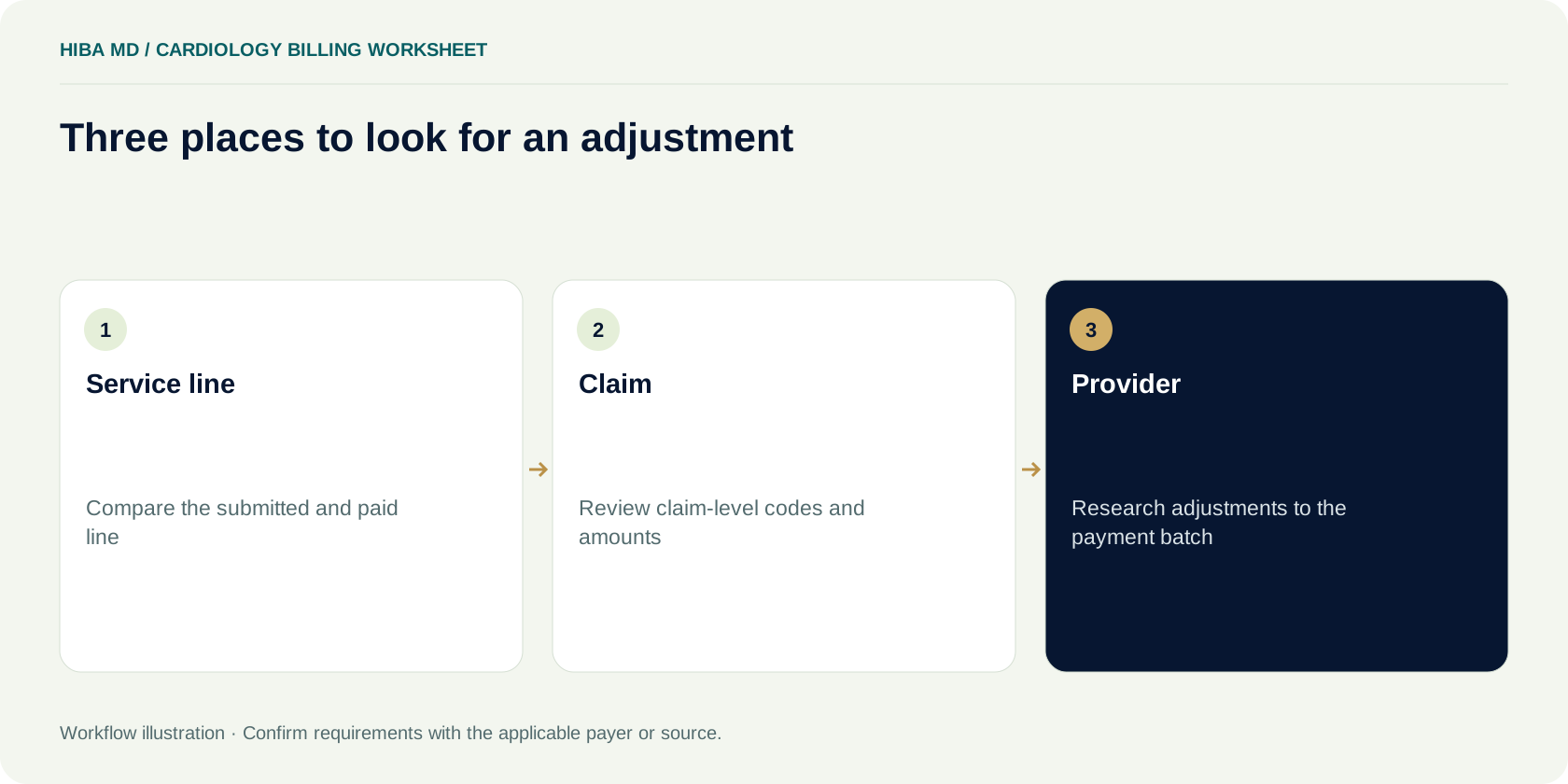
A remittance can contain adjustments at the service line, claim and provider levels. CMS describes the different roles of these adjustments in its payment and remittance guidance. Start at the batch level so the money has somewhere to land. Record the deposit and the remittance's payment amount. Then compare the adjudicated claims and any provider-level activity. Finally, if a claim balance needs review, go to the line and match the response to what the practice submitted.
Use the posting system's labels carefully. “Paid” could mean a payment on a line, the total for one claim, or the net amount sent to the practice. A team that exports these three figures into the same report needs column names that keep them apart. At review, record the source for each amount. For example, the claims report may use the sum of service line payments, while finance records the amount that actually reached the bank. Keep the difference visible while you check for an offset.
Keep a separate path for a remittance that has adjudication information but no new cash to post. Review the changes to the claim accounts and check for offsets or other entries that explain the payment result. A zero deposit does not tell the biller which line was denied, which obligation was assigned or whether a prior posting needs reversal. Save the remittance and let the posting reviewer work from the specific entries, even if the bank reconciliation queue has nothing to match that day.
Read the adjustment codes with the service line
On the Medicare remittance, the claim adjustment group code identifies the category of financial responsibility. The claim adjustment reason code explains the adjustment, and a remittance advice remark code may add context. Keep all the codes that apply to the line and pull the text from the remittance or applicable reference. A single number copied into a ticket can leave out the remark that tells the biller which record to look for. CMS's remittance overview explains the role of each code type.
Open the claim image and verify the service date, procedure, modifiers, units and billed amount for the line. If the remittance shows an adjustment at the claim level, record that level explicitly. A patient can have two similar tests on different dates, and the case may include a replacement or earlier version. Matching the procedure code alone can lead to research on the wrong visit. Use the payer's claim control number or the clinic's documented crosswalk to select the version that produced the response.
Verify who owes the balance before it reaches a patient statement. CMS's Original Medicare guidance describes when the patient responsibility group code applies. Review the assignment shown in the remittance, whether secondary coverage is involved, and any other applicable billing protections before sending the balance to the statement queue. The team should keep that review separate from an investigation into a low payer payment. The person opening the patient account later needs to see which portion came from adjudication and whether another payer has already responded.
Work through a provider-level offset
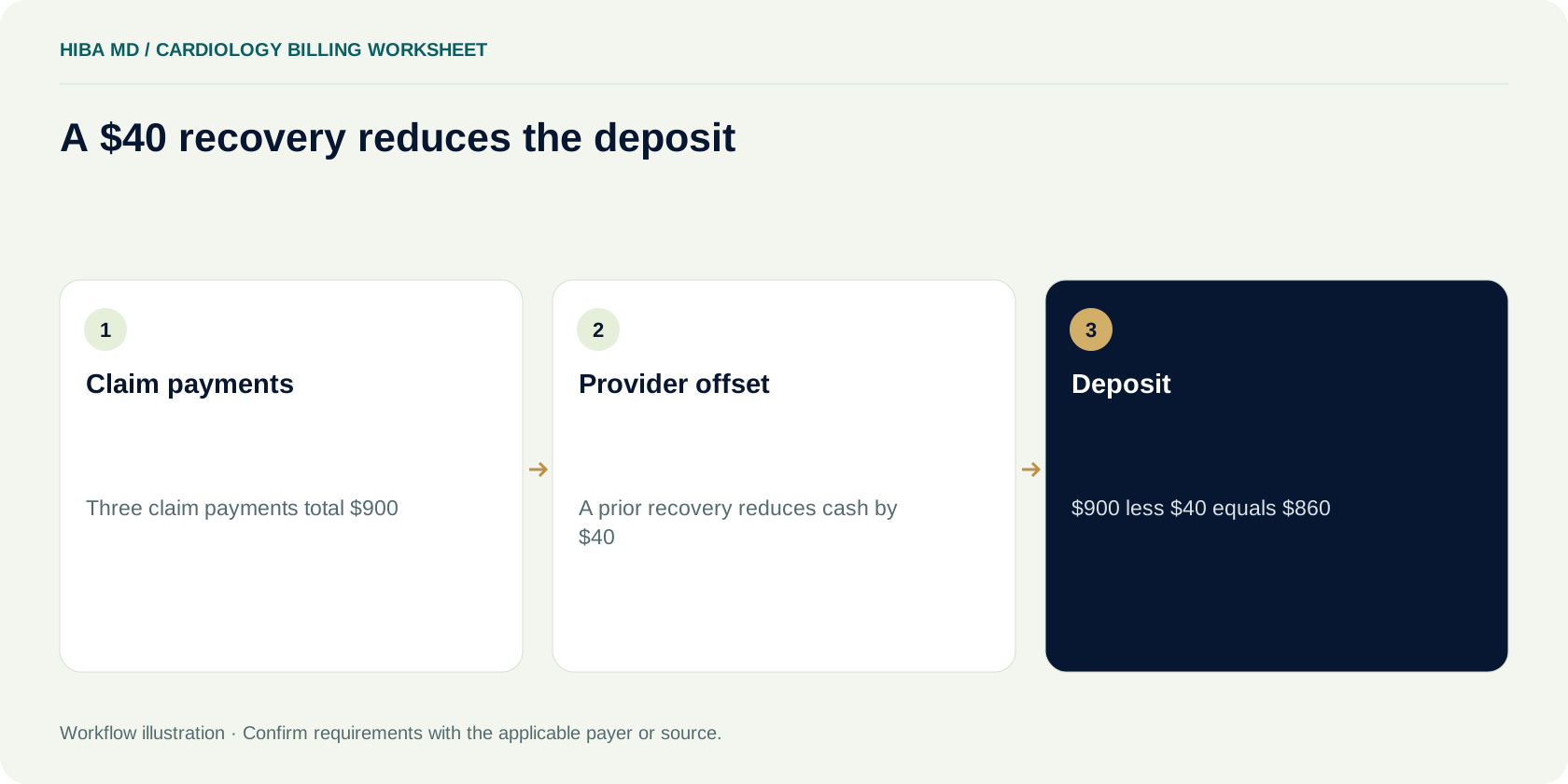
Return to the fictional $860 deposit. Suppose the ERA shows three payments of $320, $280 and $300. Together they equal $900. A provider-level entry reduces the batch by $40 and carries a reference to a prior recovery. The resulting $860 matches the bank, assuming there are no other batch adjustments. Record the three current claim payments as adjudicated and account for the $40 through the practice's approved process for provider-level activity. Confirm the sign and reference against the actual remittance format your software displays.
CMS notes that provider-level adjustments, reported with PLB reason codes, are usually separate from a particular claim listed on that remittance. A reference can still point to an older account or event. Send a recovery reference to the person who can verify it against the relevant prior notice or record. If the original item has already been tracked elsewhere, link the new entry to it so finance and billing can see the same history. Treat an unexplained adjustment as a research item and keep the evidence used to resolve it.
Consider what would happen if the poster allocated the $40 across the three current claims. The batch would total the bank deposit, but the patient ledgers would show different payer payments from those on the remittance. The underpayment report might then flag three false variances. Reversing those postings later adds more transactions for staff to explain. A separate provider-level entry keeps the reconciliation intact and leaves the team with one specific question about the earlier recovery.
Build an expected amount for the claim you actually sent
A fee schedule number on its own gives limited information about what should arrive in the bank. For an Original Medicare professional service, use the CMS Physician Fee Schedule lookup where applicable. Check the year of service, locality, setting and the code and modifier combination you are reviewing. The lookup describes pricing and payment policy information and does not display certain contractor-priced or nonpayable codes. If the relevant amount is unclear, check the official payment files or ask the contractor which pricing source applies.
For cardiology, common review questions involve where a service was furnished and what part the practice billed. In a fictional case, an analyst estimates an office diagnostic payment using a global fee, then finds that the practice submitted only a professional interpretation for a service furnished at a facility. Rebuild the expectation from the submitted claim and the relevant source. If the submitted component appears inconsistent with the documentation, send the question to the coding reviewer with the underlying record. A different payment figure by itself does not resolve how the service should have been billed.
Write down how the team built the estimate, including the fee schedule year, locality and the date the reference was retrieved. Save the calculation with the claim version reviewed. If the payer's allowed amount matches the expected allowance, use the remittance to account for how that allowance was divided and adjusted. Comparing payer cash directly to an allowance can make deductible or coinsurance look like an underpayment. Compare like amounts and keep a note about the assumptions, especially when a second payer or another adjustment may affect the remaining balance.

Try a line-by-line variance worksheet
Use a training case with two fictional claim lines. For the first line, the clinic expects an allowance of $150. The remittance shows an allowance of $150, $120 paid by the primary payer and $30 assigned to patient responsibility in this simplified example. The allowance difference is zero. Review secondary coverage and other applicable requirements before deciding where the $30 belongs. The team can use this case to check whether its reports distinguish an allowance variance from an outstanding balance.
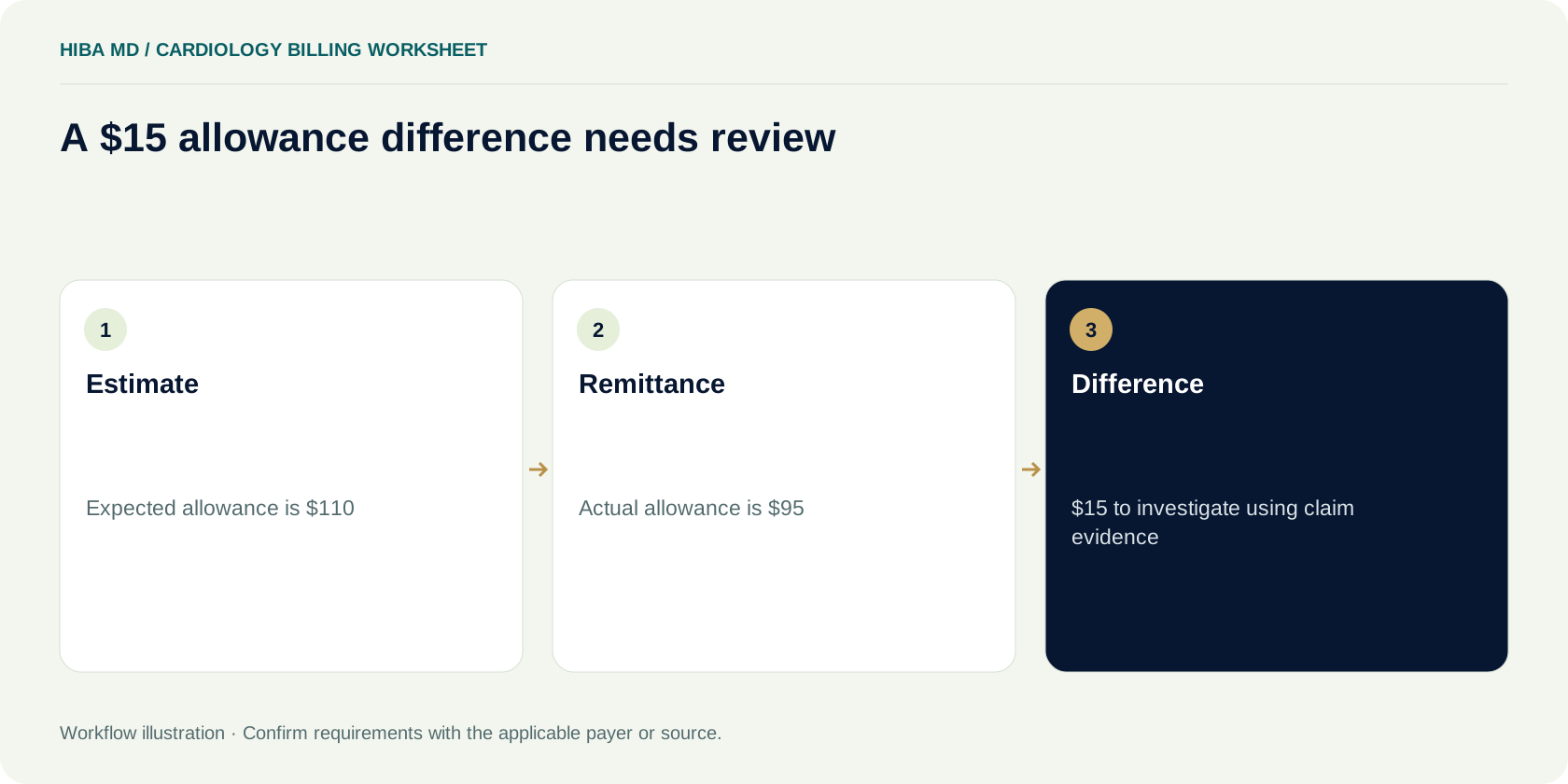
For the second line, suppose the reviewed estimate is $110, the remittance allowance is $95, the payer payment is $76 and the remittance shows $19 in patient responsibility. The allowance difference is $15. Keep it in a review queue while a biller verifies the expected rate, service location, component and adjustments. The difference may disappear once the inputs are corrected, or the evidence may support a payer question. The amount of payer cash that would change after any reprocessing depends on the resulting adjudication.
A worksheet row should include the claim reference, service line, version, expected allowed amount, source, actual allowance, payment and other adjustments. Put the most recent payer reply and the next action on the same row. If the reviewer is confident in the inputs, record who verified them and when. If one input is still missing, identify it in the record instead of assigning a reason code from memory. In a weekly meeting, the team can then distinguish cases ready to pursue from those that still need documentation.
Choose the right First Coast action
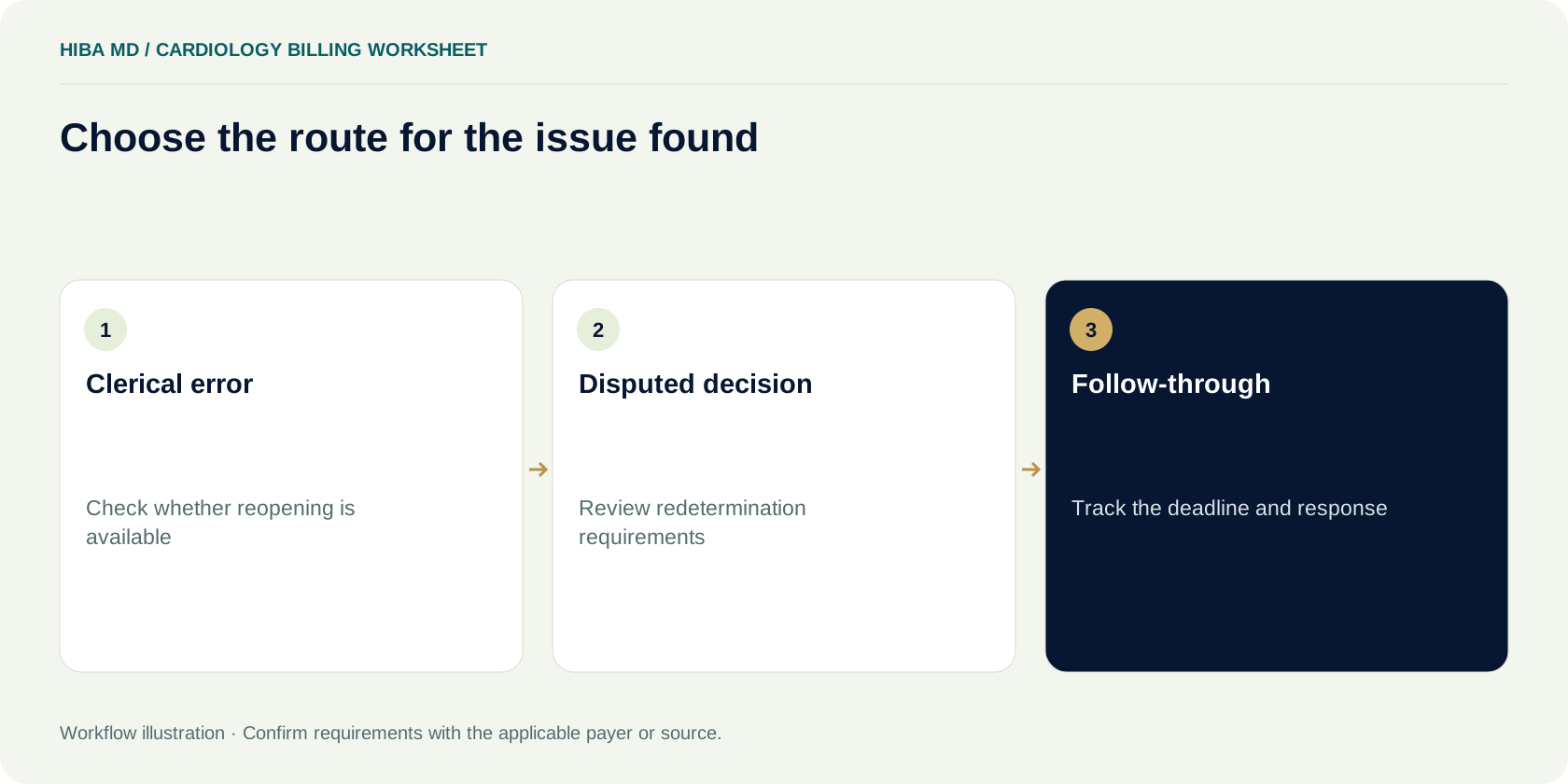
If the practice finds a minor clerical error on an adjudicated Original Medicare claim, check whether the contractor allows a reopening for that correction. CMS separates minor corrections from the appeals process. First Coast's provider instructions describe routes for claim corrections and Part B redeterminations, including options through its secure portal. If the team disagrees with the actual determination and has evidence to support a review, check redetermination requirements and use the process for that decision. Confirm the route against the latest instructions before filing.
CMS gives 120 days from receipt of the initial determination for a first-level redetermination request and describes how it presumes the date of receipt absent contrary evidence. Record the notice date and any evidence of actual receipt. Confirm the deadline that applies to the case and keep a separate internal target. If someone has already sent a portal inquiry or a correction request, verify the status and any impact on the available review route. Keep the appeal deadline on the work queue while the inquiry is open.
A review packet should identify the exact line, explain the issue and include the records that support the requested action. An explanation might say that the initial determination priced a different component than the one shown in the submitted claim, if the clinic can substantiate that statement. Keep the confirmation and watch for the response. When the contractor issues a new decision, compare the new remittance to the old one and reconcile any replacement, reversal, payment or balance change before marking the task complete.
Give reversals and replacements their own trail
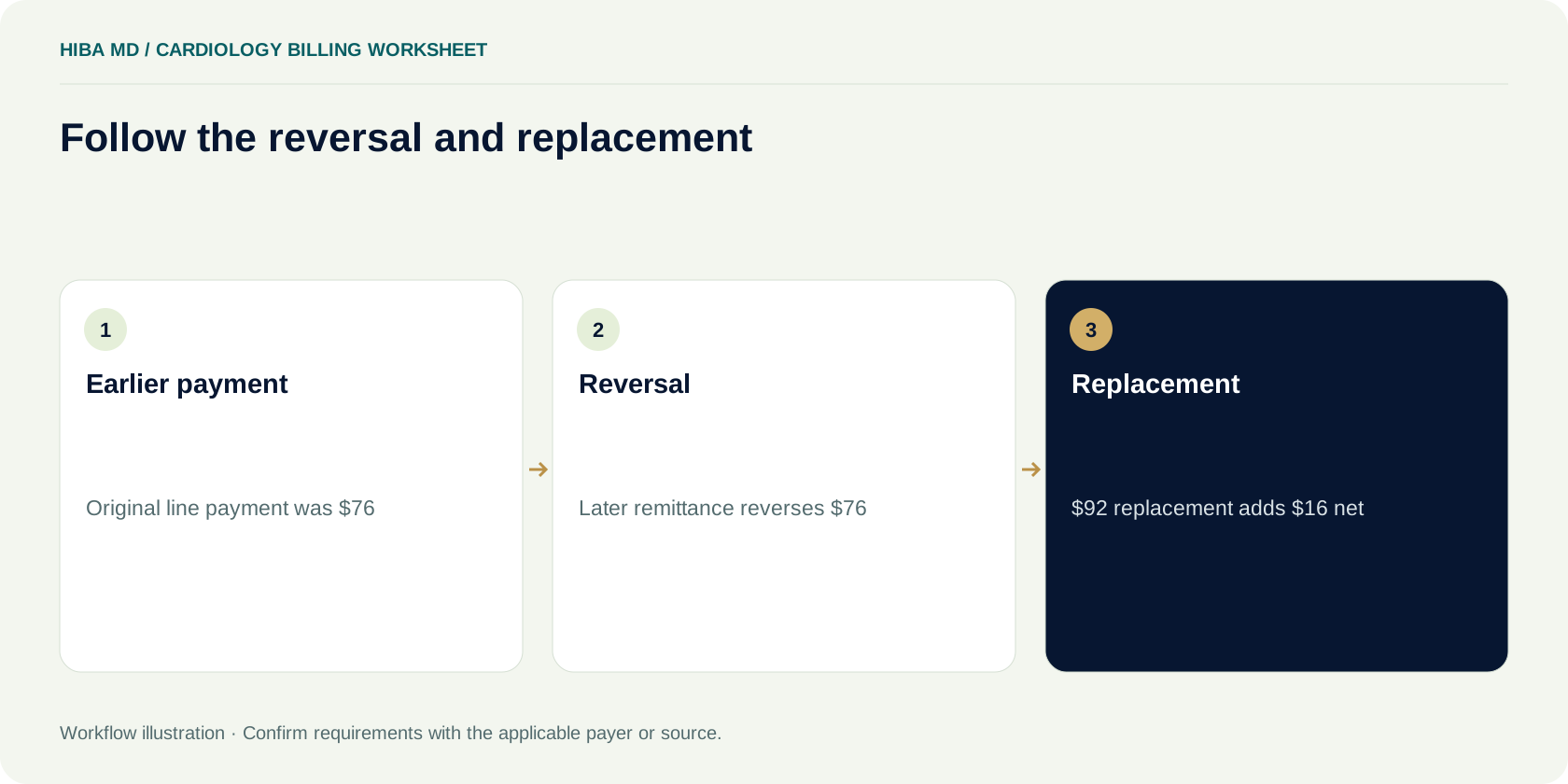
In a second fictional case, a line paid $76 last month. A later remittance shows a reversal of $76 and a replacement payment of $92. The net change for that pair is $16 in this example, before considering any other entries in the batch. Locate the original posting and confirm that the reversal and replacement relate to the same claim history. Record both events so the patient ledger, payment batch and research case show how the account arrived at its final position.
Set an exception for a reversal that has no corresponding replacement yet. Ask whether there is a separate determination on another remittance and whether a further response is expected. Look for a new claim identifier or an adjustment reference that ties it to the earlier version. Have someone review changes in patient responsibility before the next statement run. When a patient has already paid or a secondary payer is involved, a correction can affect more than one ledger. Route those accounts to staff who can reconcile the whole history.
A practice that imports remittances from more than one source should test how it recognizes duplicate files. A retransmitted ERA may contain the same claim events as one already imported. Keep the file receipt date and trace, but review the underlying transaction before posting. Conversely, a later response may reuse familiar patient and procedure details while changing the adjudication. Avoid a rule that treats every repeated procedure as a duplicate. Link the earlier and later records so a reviewer can see which event was already posted and which is new.
Set posting controls before turning on auto-post
Start with a small review sample from the actual import. Check whether the software posts claim-level adjustments, line-level adjustments and provider-level entries into the right categories. Include a remittance with a recovery and one with no deposit. Ask the vendor to show where the import reports an unmatched claim or an item it skipped. A successful file import only confirms that the application read the file. The control should show whether every relevant entry reached the intended ledger or an exception queue.
Give one person responsibility for reviewing rejected posting rows. Keep the source value, the software's reason and the action taken together. For instance, a claim control number may fail to match after a practice management system migration. The poster can check the historical claim and document the matching record before entering the payment. In a shared team, require an independent review for manual postings over a practice-defined threshold or when the adjustment would change a patient's statement. Decide on the threshold with finance using the clinic's own risk and volume.
Set a cutoff for closing a batch and a way to reopen an internal batch if new evidence arrives. A good close record shows the matched EFT, the linked ERA, all posted amounts and the remaining exceptions. If finance carries an unmatched amount into the next day, preserve its original receipt date. On the next morning's list, a reviewer should see that it is yesterday's unresolved item with its prior review history attached.
Work a variance across two sites without combining them
Imagine a Florida practice that performs some diagnostic work in its office and provides professional interpretations at a hospital. A weekly report shows six lines with lower allowances than expected. Four come from the hospital and two from the office. Start with the claim details and the source for each expected figure. The analyst discovers the four hospital rows were compared to an office estimate. Correct the report's inputs for those rows, then verify the two office rows independently. A shared procedure label in the scheduling system cannot account for the different settings on its own.
Save the result in two places. In the claim research queue, mark the four reconciled lines as differences in the estimate and retain the revised calculation. In the reporting configuration, document why the default estimate was wrong and how the correct setting will be selected. For the two open rows, list what still needs verification and who will do it. If one turns out to have a genuine payment issue, the practice can show the contractor the exact claim and basis of its question without including the four resolved lines.
Use the next week's report to see whether the change works. Pick one line from each setting and compare the estimated allowance with the correct source and the posted remittance. Where the software lacks a reliable field to distinguish settings, keep those lines out of automated variance totals until the practice can establish the right value. Record the number excluded so the manager can explain what the report covers.
Frequently asked questions
Who processes Original Medicare Part B claims in Florida?
CMS lists First Coast Service Options as the Medicare Administrative Contractor for Jurisdiction N, which includes Florida. For Medicare Advantage claims, check the member’s plan and use its own provider instructions.
What should I match between a Medicare EFT and its ERA?
Compare the reassociation trace in the bank payment addenda and the remittance. Also verify the payee and payment amount. Ask finance how to retrieve the full addenda if it is absent from the bank’s summary screen.
Why might the deposit be smaller than the total claim payments?
A provider-level adjustment can reduce the batch amount. Compare the deposit to the remittance and review its provider-level balance entry and reference before changing any claim postings.
How do I tell an allowance variance from patient responsibility?
Compare the estimated allowance to the allowance on the remittance. Review deductible, coinsurance, secondary coverage and other applicable adjustments separately to explain the remaining balance.
Should I request a reopening or a redetermination?
Review First Coast’s reopening instructions for qualifying clerical errors. When the issue is disagreement with the adjudicated determination, check CMS and First Coast’s redetermination instructions and confirm the deadline for the case.
How do I post a reversal and replacement on a later remittance?
Match both entries to the original claim and posting, preserve the earlier transactions, and review the effect on payer payment and any patient or secondary balance before closing the account.
Sources and editorial notes
Written by the Hiba MD editorial team. Reviewed 2026-11-09. Worked examples use illustrative figures, not client results or performance benchmarks. This guide explains administrative workflows; check current payer requirements for claim-specific decisions.
