
Start with the last response the practice can verify. Confirm the California plan or program and the provider arrangement for the visit. Use the evidence to assign a correction, status check or review under the applicable payer instructions.

Start with the response that actually came back
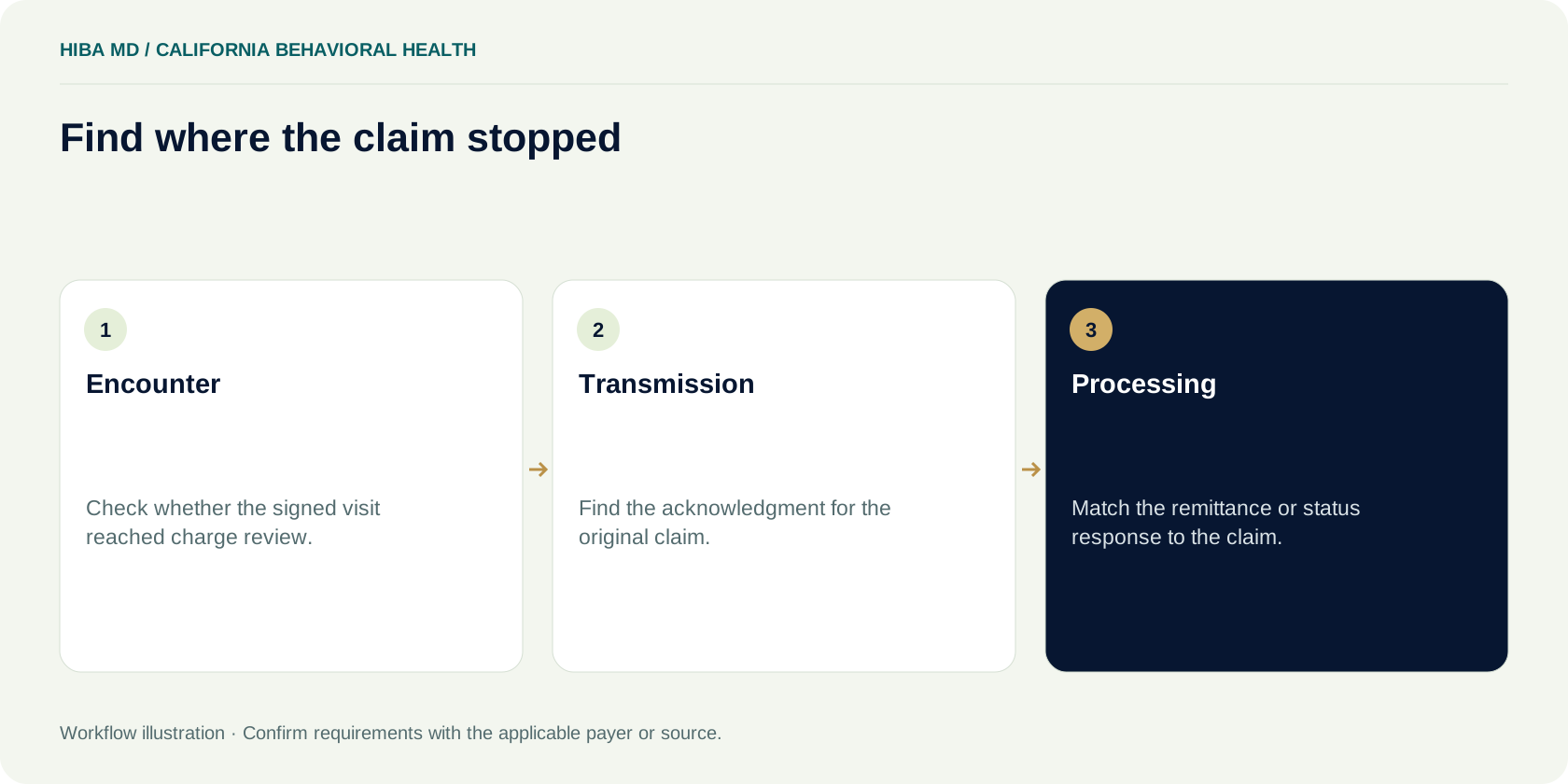
At the end of a busy week, a California behavioral health practice may have several visits sitting in an unpaid queue. One batch has an upload receipt but no claim-level acknowledgment. Another claim appears on a remittance with an adjustment. A third is waiting for the clinician to sign the visit note. Assigning all three to the same denial queue sends staff looking for a payer response that may never have existed. Pull up one visit and follow its trail from the encounter through the last response the practice can locate.
Write down the stage where the trail stops. A signed encounter with no released charge belongs with the person who can finish charge review. A submission that came back with a field error needs the original transaction and the correction instructions. A processed claim needs its remittance and the payer's instructions for the response it returned. This routing decision takes a few minutes, and the person who makes it needs access to the same evidence the next person will use.
In a small practice, one employee may cover the front desk and billing. Give that person distinct tasks even if both names in the assignment column are the same. Checking coverage before a series of visits is a different job from tracing the disposition of a submitted claim. Separate notes make it possible to see which part of the day is going to new work and which part is going to rework. They also let someone else take over during an absence without starting every account from scratch.
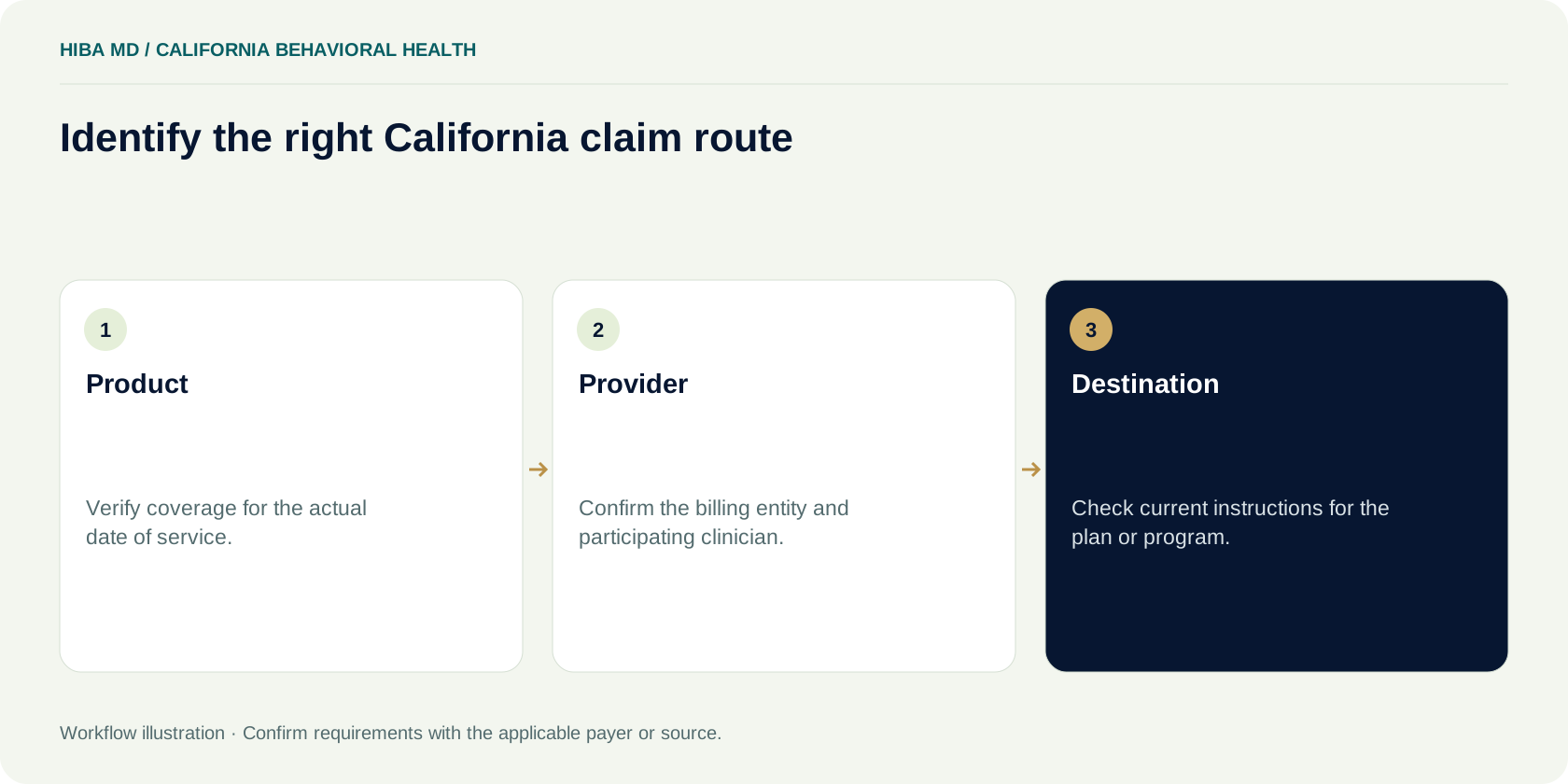
Identify the product and the California billing route
Open the eligibility evidence for the date of the visit. The plan name in a scheduling screen may have been entered months ago, and the patient's current card may describe a different period. Record the product, the date checked and the source of the response. If you need to confirm who handles the claim, use the current provider materials for the actual product or contact its provider support channel. Keep the response and its reference in the approved practice system.
Medi-Cal is a useful example of why the product matters. California's Department of Health Care Services describes Specialty Mental Health Services as a delivery system alongside other Medi-Cal systems. Its county claims library separates resources for specialty mental health, Drug Medi-Cal and Drug Medi-Cal Organized Delivery System. Start with the official resources for the relevant program when the encounter falls within that program. For other products, use their provider materials. A search for a state billing manual can turn up a document that is official and still irrelevant to the visit on your screen.
When the route is uncertain, make the work item specific. “Confirm destination for this product, provider and service date” gives the assigned person a question they can take to the plan. “Check Medi-Cal” does not tell them whether to verify coverage, participation or submission instructions. If two sources appear to conflict, note their dates and which product each one describes. Escalate the discrepancy while there is time to act on it. Keep the California state guide handy as a source directory so the next person can find the state agency and relevant program references without relying on a saved search result.
Check the clinician and billing entity separately
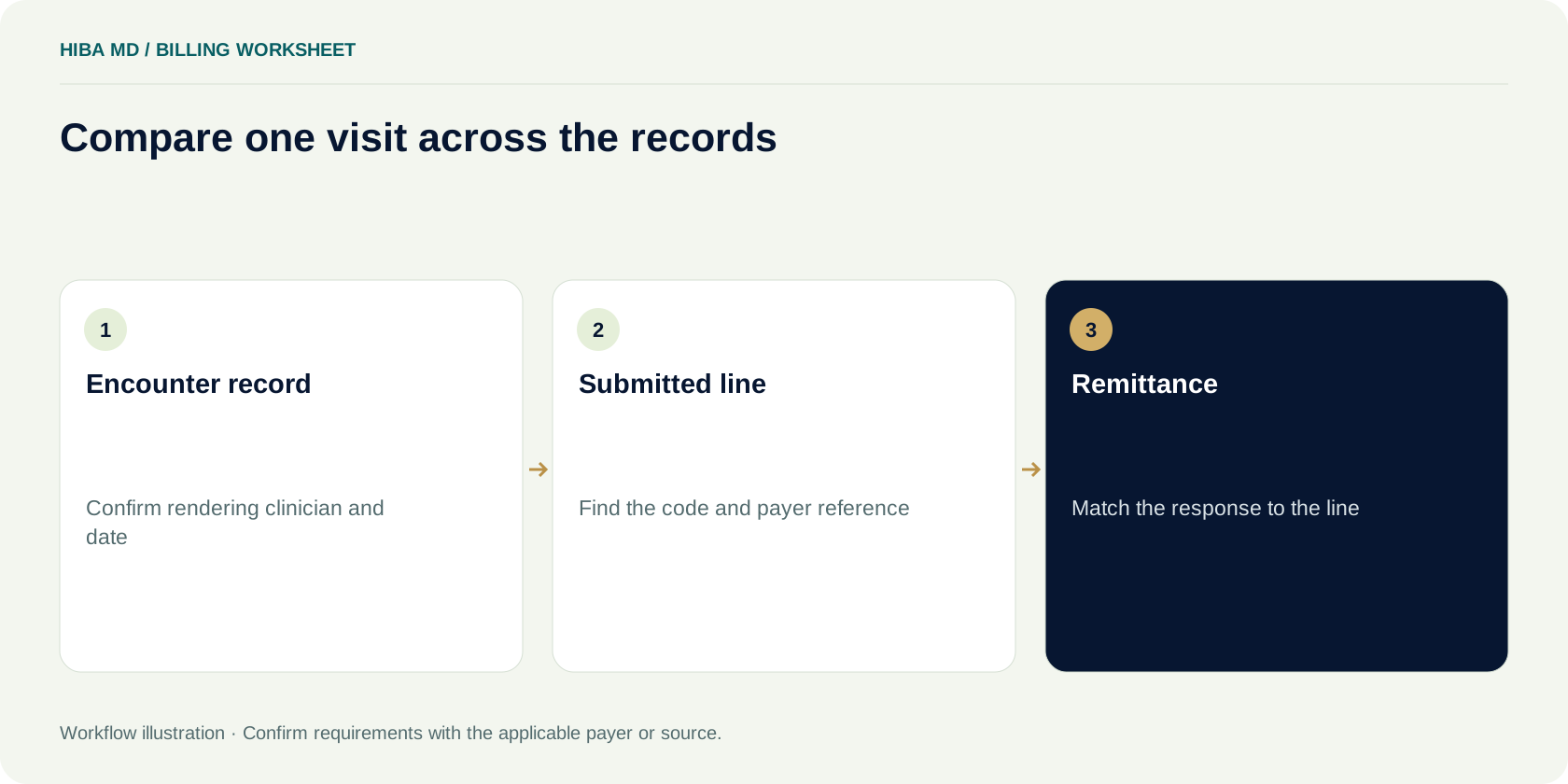
A behavioral health practice may share one schedule across several clinicians. The schedule tells you who was booked. The encounter record tells you who delivered the service, and the approved billing setup determines which entity submits it. Before changing a claim, compare all three. An apparently simple payer edit can expose a mismatch between the clinician who completed the visit and the provider listed in a template.
Make a participation record that staff can use without reopening every onboarding email. For each product, record the entity and clinician involved, the effective date documented by the payer, and where the supporting confirmation is stored. Give the record a clear owner. If participation is unclear for a visit before a documented effective date, put that encounter in a review queue. Do not change the rendering provider to another clinician to get the claim through a validation step.
Review the same information when a practice adds a location, changes its billing entity or brings a new clinician into an existing schedule. Record when the new arrangement is expected to take effect and who will confirm the actual date. If a payer's response addresses enrollment but says nothing about the product on the visit, leave the participation question open. A separate enrollment checklist is useful here because the person resolving the issue needs to see what has already been submitted and what has been confirmed.
Review recurring sessions before releasing charges
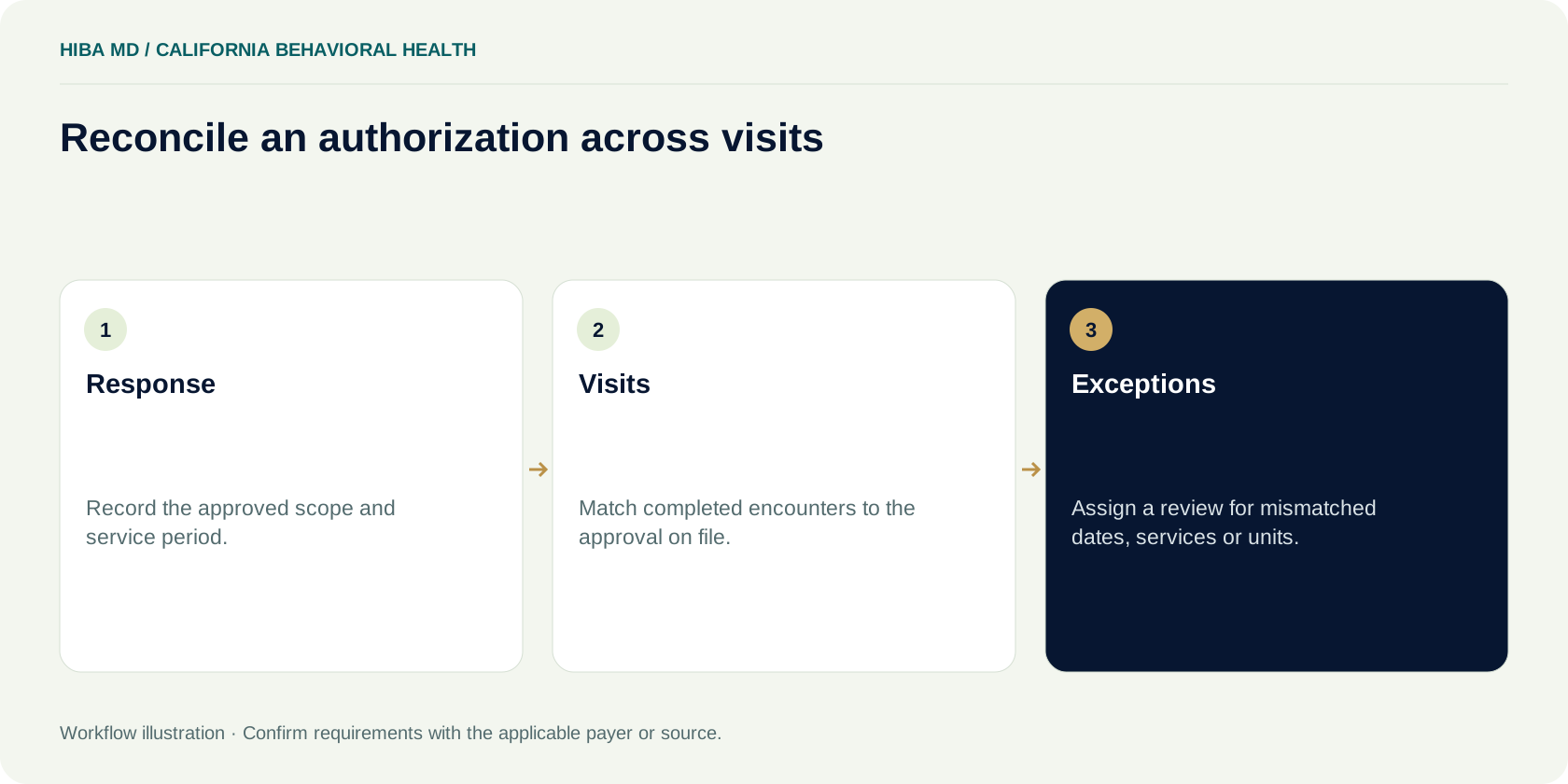
A weekly appointment series is easy to set up and easy to stop reviewing. The tenth visit may inherit scheduling details from the first even though the plan or authorization record has changed. Compare the completed encounter to the information the practice actually verified for that date. Use the clinician's signed record as the source for the work performed. Ask for clarification through the practice's documentation process if an administrative record and the encounter do not agree.
For products and services where authorization applies, keep the payer response accessible alongside the service history. Record the dates and scope reflected in that response. If the practice tracks visits or units, reconcile completed services and account for cancellations or schedule changes according to the applicable instructions. Put the next review date where the scheduler and biller can both see it. A count carried forward in a spreadsheet is only as useful as the last encounter that was checked against it.
Suppose the team records eight approved visits in an illustrative example and sees six completed appointments in the scheduling report. The review starts by comparing those six entries to signed encounter records and checking that they belong to the same authorization period and service scope. The worksheet shows two visits remaining. Confirm the underlying records before relying on that figure. A replacement appointment, a service change or a mismatched date can make a neat subtraction misleading. The authorization tracker can help with the arithmetic once the practice has verified what each entry represents.
Save the acknowledgment before moving to the next claim
An upload receipt answers one question: did the sending system accept the file for transmission? The biller still needs the response that describes what happened to the claim. In its Medicare electronic claims guidance, CMS describes responses for edits and claim-level issues. For a particular California account, use the acknowledgment and status information supplied by its actual submission channel. Keep the original submission reference so the clearinghouse, practice and payer can discuss the same transaction.
Run a short reconciliation after each submission cycle. Compare what the practice intended to send with what the available responses actually account for. If twenty encounters were marked released and only nineteen appear in the responses you can locate, investigate the missing one by reference. It may be waiting on a batch response, on a local hold, or in a different transmission. Record the gap and assign someone to check it again. Starting a new submission before you know the status of the first can create a second account to trace.
For a returned claim, preserve the error message alongside the original submission. Record the field or source record that needs review and who can update it. When a fix is made, confirm what the next acknowledgment says and add that evidence to the same work item. A claim can pass one check and still return with another issue. Keep the earlier response so the team can see exactly what changed and whether the original problem was resolved.
Read the remittance at the level of the adjustment
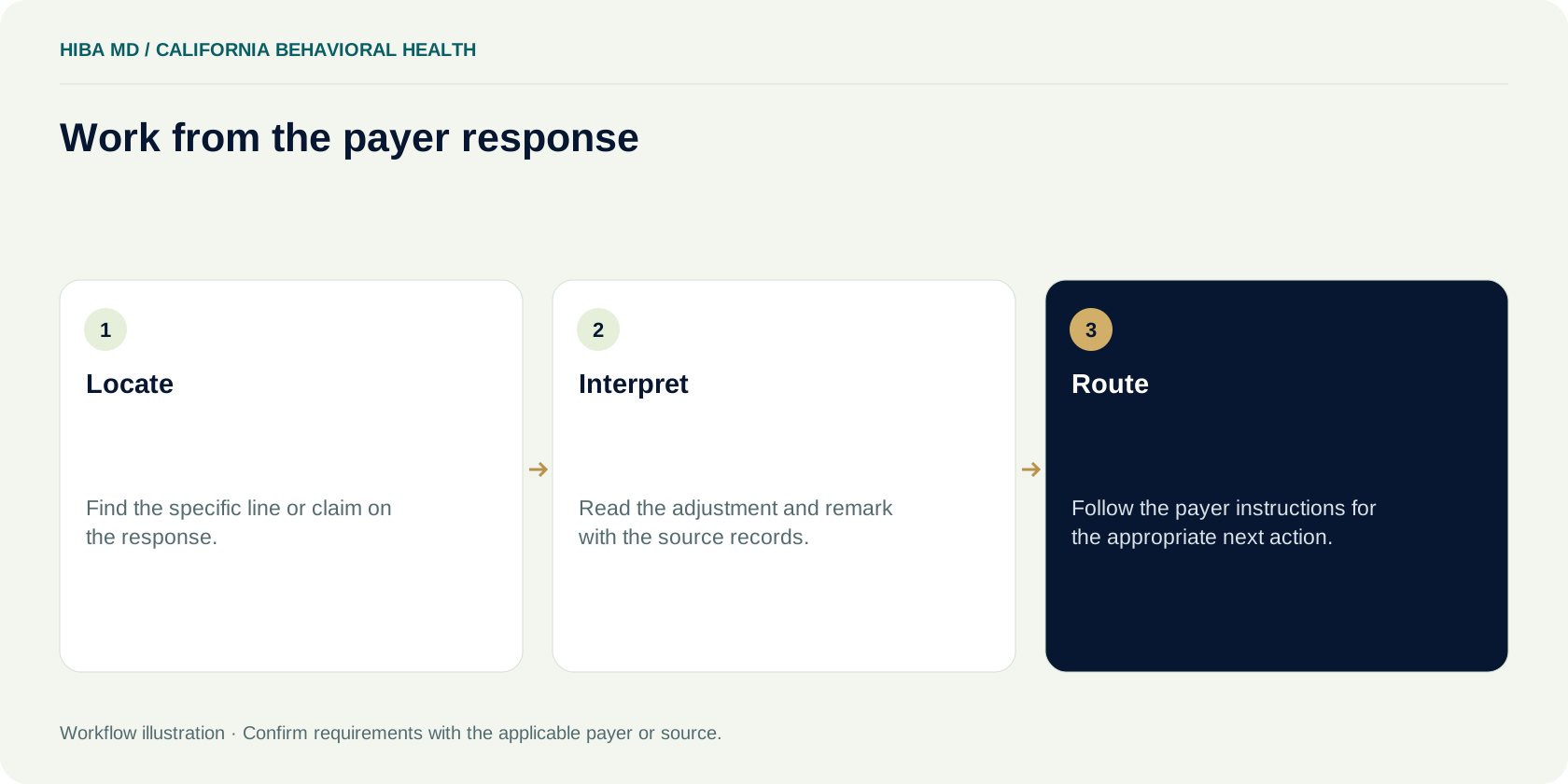
When a processed claim appears on a remittance, match it to the original visit before interpreting the amount. Check whether the adjustment is at the service line, the whole claim or the provider level. CMS describes these levels in its Medicare remittance guidance, and its administrative simplification material explains how standard reason and remark codes are used. The response associated with this claim is the starting point for follow-up. A summary line in the billing system may omit a remark or combine multiple adjustments.
Take a simple example. A remittance shows two service lines. One has a payment and the second has an adjustment with a remark. If the only note says “claim underpaid,” the next employee has to reopen the remittance to find the line in question. A better note identifies the affected line, the code and remark shown in the response, the amount at issue and the record needed to evaluate it. A provider-level adjustment shown on the same remittance belongs in a separate reconciliation task unless you have evidence linking it to this account.
Before an amount moves into patient statements, check the remittance, the posted transactions and the practice's approved billing process. A zero payment alone does not establish who owes an amount. If an adjustment is unclear, assign a review and leave the unresolved amount out of automated statement work until the responsible person has confirmed how it should be handled. This keeps a posting question from becoming a patient call that someone else must unwind.
Decide between correction, review and an appeal
Write down what is disputed. A claim may have been sent with a value that the practice can verify was wrong. Another may reflect the source records accurately, but the payer's response may need review. The work for those two cases differs. The first starts with the records and the payer's applicable correction process. The second starts with the response and whatever evidence the payer says it needs to consider the decision. The action should follow the current instructions for that product and transaction.
Before assigning an appeal, check that the person receiving the task can find the required supporting documents. In a behavioral health practice, the clinician may own a documentation clarification while billing owns the submission reference and remit. Ask for the specific item needed through an approved channel. A broad request to “send the chart” creates unnecessary handling and still leaves the biller to decide which part of the record answers the payer's question.
The work note should explain the choice in ordinary language. For example, “The plan response identifies an enrollment issue. Billing will confirm participation for the service date before choosing the next submission route.” This is more useful than “appeal pending” when no appeal has been filed. When the team sends a correction or a request for review, record its receipt and add a follow-up date. Close the original work item only once the practice has accounted for the response or documented why the item was closed.

Track the controlling date and the evidence of receipt
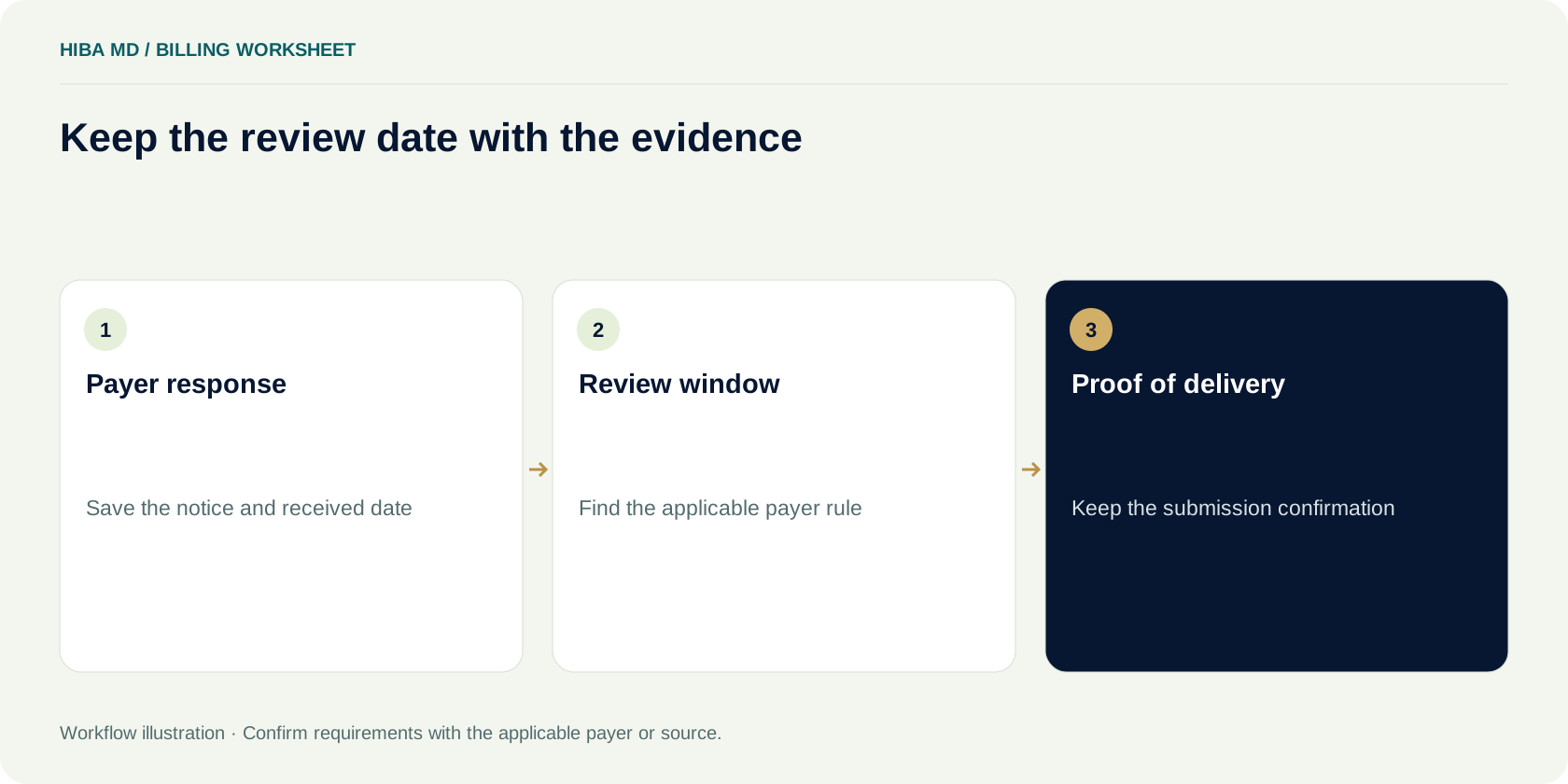
Treat each deadline as a sourced field. Record the payer or program instructions the team checked, which event starts the window and what qualifies as receipt. A date-of-service calculation and a window tied to a notice can produce different answers for the same encounter. The date a staff member happened to open the account may have no relationship to the date specified in the governing instructions. If the rule is unclear, ask the relevant payer or program contact and keep the response.
The work queue needs an internal review date as well as the external deadline. Set it far enough ahead for someone to obtain missing evidence, review the submission and address a receipt problem. Keep the plan's deadline and your team's earlier review date in separate fields. When the task is passed to a colleague, they should be able to tell which date can be moved and which date was taken from the payer's instruction.
A calculator can help once those inputs have been verified. Enter the appropriate starting event and window in a date planner, then compare the result with the documented rule before you depend on it. Keep any submission or acknowledgment reference after sending. A draft saved in the practice system and a submission that the payer acknowledges are different milestones. If your records only show the first, the work still needs an owner to confirm the second.
Give recurring problems their own queue
Look for repeated failures across visits before opening a fresh task on every account. A recurring pattern may line up with one template, a particular product, a new clinician or a handoff between scheduling and billing. Grouping cases helps narrow the question, but look at the actual responses before deciding they share a cause. Two accounts can carry the same broad label in the practice software while the underlying reasons point to different fixes.
An illustrative practice notices three recent visits with an authorization question. The first visit has a response covering the service date and an incomplete note in the billing queue. The second was scheduled outside the period on file. The third belongs to another product. The practice gives the first case to the employee who can reconcile the response, routes the second for plan verification, and removes the third from the same group. An operational change might be to have the scheduler record the source of the authorization check when a visit is rescheduled. It would not be to use the same correction for all three accounts.
After the team changes a template or handoff, compare the next group of visits with the previous one. Look for the same failure at the same stage. A change to the front desk process can show up as fewer incomplete records at charge review before it changes the number of denials on remittances. Keep a record of when the change began and which visits it applied to so the team can see whether the result belongs to the new workflow.
Use measures that match the queue
If a practice wants to know how often its claims are denied after processing, compare denied claims with adjudicated claims for the defined group and period. If the question is how many submissions came back before processing, use the acknowledgment records and a separate measure. Keep the counting unit consistent. A report that counts denied service lines in the numerator and claims in the denominator can move even when the work has not changed.
For an illustrative calculation, a team tracks 200 adjudicated claims and identifies 16 claims with a denial under its reporting definition. The claim-level rate is 8 percent. If it also submitted ten claims during the period that are still waiting for a processing decision, those ten are not part of that denominator. Keep a note beside the result that describes how partial denials are counted and which claims are included. The next report can then be compared on the same basis.
Look at counts beside rates, especially in a small practice. A handful of claims can make a weekly percentage change sharply. The more useful follow-up is often the list of open items and the reason each one has no next action. Pair the denial rate with an aging review when the question is how long balances are sitting. Review these figures in the context of the practice's own reports rather than treating an example percentage as a target.
Walk one visit through the handoffs
Use a fictional visit for a team exercise. On Monday the front desk records the eligibility source and the product. On Tuesday the clinician completes the encounter. Billing reviews the documentation, links the applicable authorization response and releases the charge. The practice finds an upload receipt after transmission, but the claim-level status is still open. Assign an owner and a date to check the acknowledgment, then give the team a mock response with an error to resolve.
Ask the next person to read the note and identify the specific record they need. If they have to ask who sent the original claim or where the eligibility evidence is stored, the handoff is incomplete. Add the missing reference to the workflow, not the fictional claim. Run the exercise again with a processed claim and a line-level adjustment. The person reviewing that example should be able to explain where they would find the remittance, which record they would compare and how they would choose the correct response route.
End the exercise by asking what the next person sees after a case is resolved. The work item should show the action taken, the receipt or response when relevant and the reason it left the queue. If a process issue remains, send it to the person who owns that step with a concrete example. The next time the same issue appears, the team will have a record of the attempted fix and can decide whether the problem still needs a change upstream.
Keep a handoff note the next person can use
Imagine that the staff member covering the queue leaves at noon. The next person sees a task that says “called plan” with no date or reference. They cannot tell whether the call was about eligibility, the claim's receipt or the disposition of a correction. Record the question asked, what the response covered and the next step the practice can take. If a representative could not confirm the answer, leave that question open and note where the team should try next.
Keep enough detail to make the handoff useful inside the approved practice system. For a meeting about the workflow, bring counts and a sample note structure instead of exporting claim records. A de-identified training example can show that someone should capture a reference and a follow-up date without exposing the real account. If an outside billing partner will need access, agree on the channel, scope and responsible contacts before moving records.
Set up a weekly review the practice can maintain
Start with one queue and one owner. Choose a report the practice can reliably produce and reconcile a sample of work items against the source records. For each item, look for the encounter date, plan or product, stage, latest evidence and next action. Count how many items lack a clear owner or date. The review can begin with that list even if the practice does not yet have a dashboard for every measure.
Reserve a short discussion for exceptions that need more than one role. A clinician may need to answer a documentation question, or the person responsible for enrollment may need to verify a status. Bring aggregate figures and examples stripped of identifying information to shared planning discussions. Store patient and payer records in the practice's approved systems, where the people responsible for the account can see the evidence they need.
At the next meeting, review the same queue with the same definitions. Ask which items moved, which new issue appeared and which decision is still waiting on outside confirmation. If the team found that a series of visits was missing a check, assign the change to the person who can make the check part of the schedule or release process. Revisit it on a specific date. For unresolved items, schedule a status check and put the original reference in the calendar entry or task.
Frequently asked questions
Where should a California practice start when a behavioral health claim is unpaid?
Locate the encounter, charge and latest available acknowledgment or remittance. Establish which stage is open, then assign the person who can check the missing record or response.
Can I use the same Medi-Cal manual for every behavioral health claim?
Start by identifying the actual product and service. DHCS organizes county claims references by program. Confirm the applicable program or plan instructions for the encounter.
Does a clearinghouse receipt show that a payer processed the claim?
An upload receipt describes a transmission step. Use the available claim acknowledgment, status or remittance evidence to establish what happened at the payer.
What should a practice record for a filing or review deadline?
Record the current source, starting event, allowed window, receipt requirement and an internal review date. Confirm any unresolved question with the relevant payer or program.
How should we calculate a claim-level denial rate?
Divide denied claims by adjudicated claims for the same reporting group and period. Document how partial denials are counted before comparing reports.
Sources and editorial notes
Written by the Hiba MD editorial team. Reviewed 2026-11-07. Worked examples use illustrative figures, not client results or performance benchmarks. This guide explains administrative workflows; check current payer requirements for claim-specific decisions.
