
Verify the clinician, billing group, payer product and practice location together. Keep the payer-confirmed effective date and any reassignment evidence with that combination. Review Original Medicare and New York Medicaid separately, then compare the first claim to the approved arrangement before release.

Give scheduling an answer for each payer product
A new family physician starts on Monday. The practice has a copy of the physician's NPI record, an application receipt from Medicare and an email from a plan representative saying a roster update is in progress. The scheduler needs to know whether to offer a Tuesday visit at the second office. The roster email leaves the second office unresolved. Before giving the scheduler an answer, identify the patient's product, the office where the visit will take place and the entity that would submit the claim.
Create one readiness row for each combination that matters to your practice. A row can identify the clinician, product, group, location and intended start date, then show what has been verified. Use labels that describe the evidence you have, such as application received, information requested, decision received or claim release reviewed. When someone confirms an effective date, record the date, the source and any limitations shown in the determination. Give the scheduler a shorter view with the current decision and the person to contact if the patient asks about a product that is still under review.
Assign one person to maintain the row. A hiring manager can verify when a clinician is available to see patients. An enrollment coordinator can check the payer record. A biller can review whether the outbound claim uses the approved setup. When several staff members update a spreadsheet, a single green cell can hide which of those decisions actually happened. A dated note that names the unresolved item gives the next shift a way to answer a scheduling question without guessing.
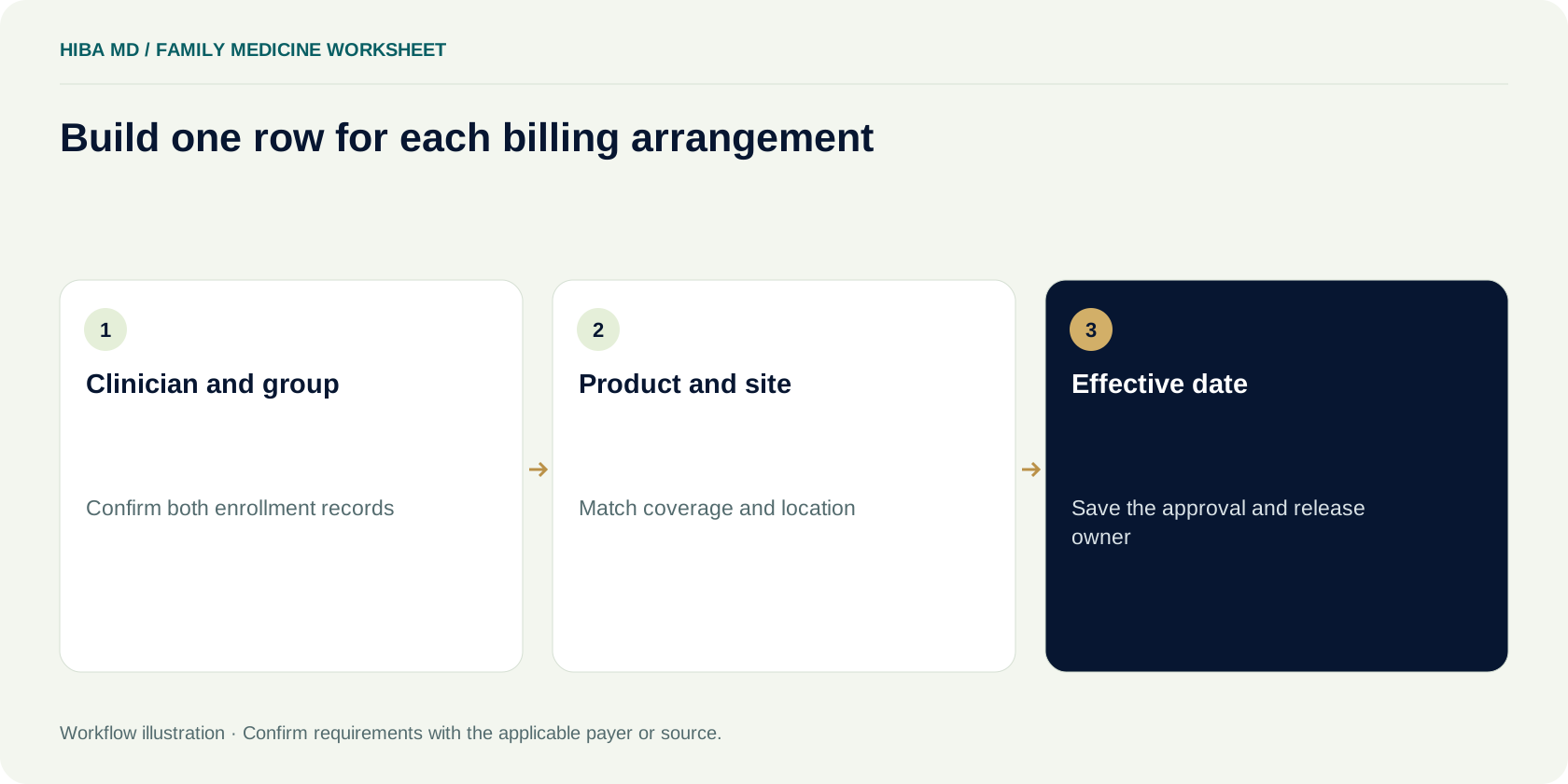
Verify the clinician and group records separately
Start with the individual clinician's legal name and NPI in the approved provider master. Compare those details with the records the payer expects for the actual enrollment transaction. Then open the group record and verify the billing entity, group NPI and applicable site details. Ask the enrollment coordinator which record supplies each claim field. A clinician can have an established individual record and still have an unresolved association with the group handling the new visit.
For Original Medicare, CMS uses the Provider Enrollment, Chain, and Ownership System, or PECOS, for enrollment and updates. Its provider enrollment guidance explains how to coordinate with the Medicare Administrative Contractor. CMS lists National Government Services for Jurisdiction K, which includes New York for Original Medicare Part A and Part B. Use the instructions applicable to the clinician and the group's arrangement. If the practice is adding a clinician who has been enrolled through another group, review the new relationship with the contractor instead of copying the previous billing setup.
Label the individual and group identifiers separately in the practice management system. An NPI checksum can catch some data entry mistakes. NPPES can help confirm an identifier record. Payer enrollment and the group arrangement require their own evidence. A staff member who finds two similar entries should flag the discrepancy and verify the source before choosing one. Keep the resolution beside the provider setup, so a biller can explain which identifier was used if a later response points to the rendering provider.
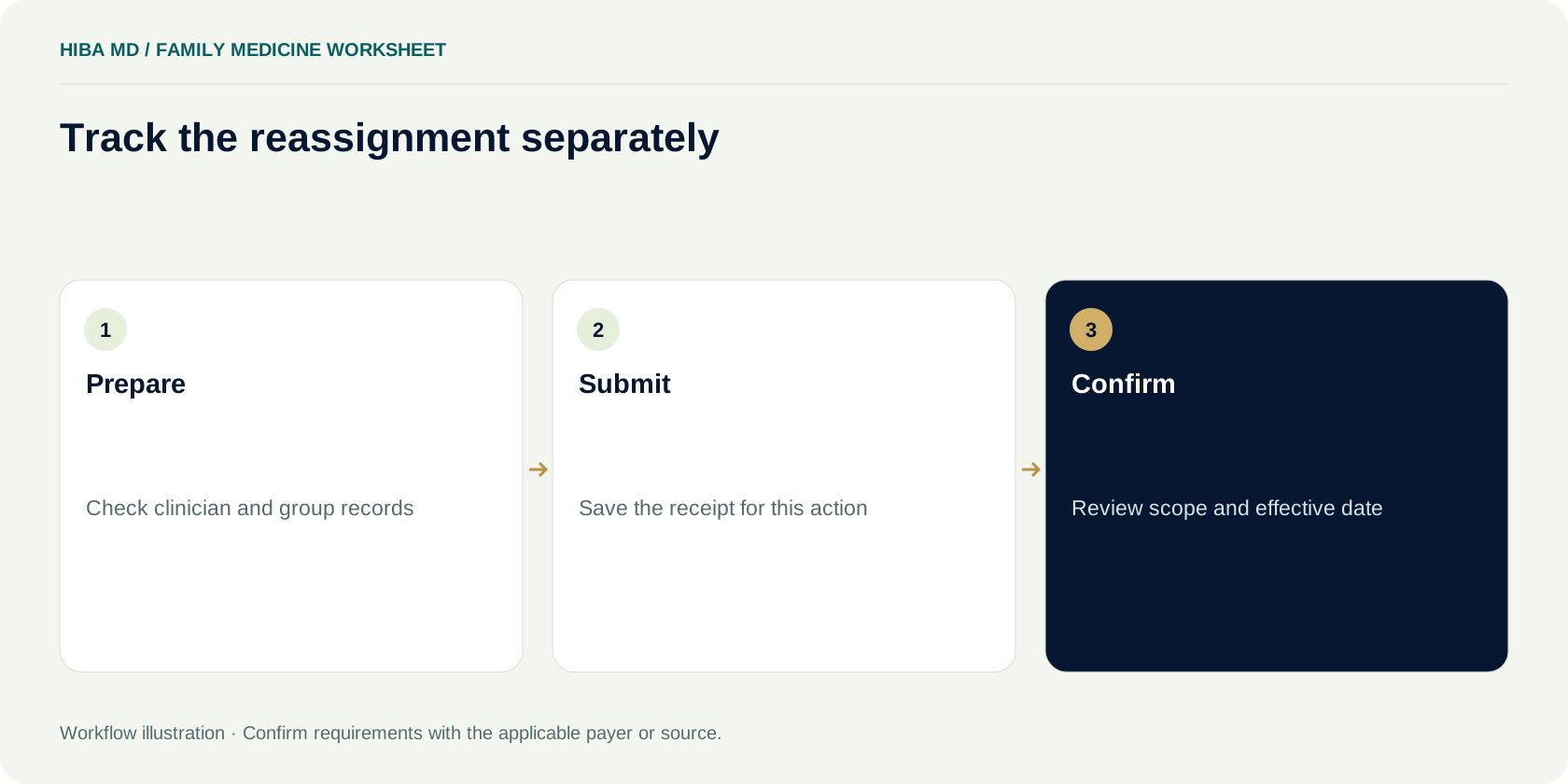
Track Medicare reassignment as its own action
If a clinician's Medicare benefits will be reassigned to the group under the applicable arrangement, include that transaction in the onboarding plan. CMS provides enrollment guidance for the clinician and group and explains that reassignment can be handled through PECOS or the applicable CMS-855I process. CMS consolidated the separate paper CMS-855R into CMS-855I. Use the current CMS instructions and verify which individuals need to sign or approve the transaction before treating a draft as submitted.
Keep the submission receipt and the completed application decision in separate places on the readiness row. If the contractor requests a missing signature or clarification, save the request and assign the response to someone who can provide it. Check the status after the response is sent. If the group has two pending transactions for the same clinician, label them by the action and reference. A general note that says “Medicare in progress” makes it hard to tell whether the group is waiting for an enrollment decision, a reassignment decision or an update to its own record.
Review the reassignment decision with the biller who will see the first claim. Confirm which group and clinician are covered and review the relevant dates and scope for the actual service. When a clinician works at more than one organization, ask the people responsible for the arrangements which entity should bill each service. Use the approved setup for the new organization and check it against the encounter.
Read the effective date from the controlling record
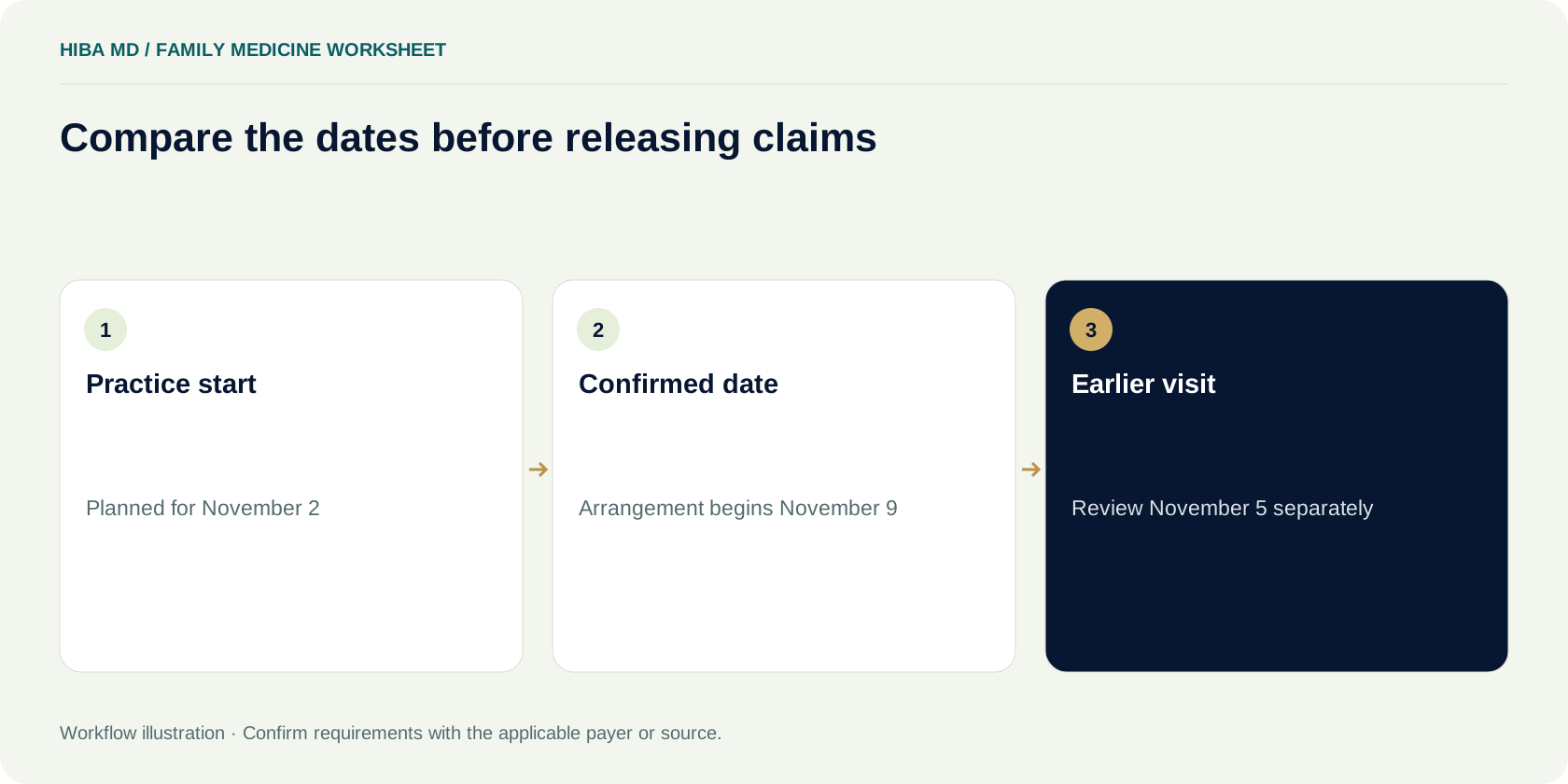
Keep three dates visible. The first is the practice's planned start date. The second is the payer-confirmed effective date for the arrangement being used. The third is the actual encounter date. When someone says “the date is approved,” ask which date and which combination of provider, group, product and location they mean. A date from a portal screen may apply to a different record than the one shown on the proposed claim.
Medicare effective-date and retrospective-billing rules are addressed separately in 42 CFR 424.520 and 424.521. Review the applicable section with your enrollment lead or contractor when services were furnished before the effective date you have on file. Keep the determination and any applicable confirmation with the affected work. Do not choose a different rendering provider or alter a service date just to make a draft claim pass an edit. If the record is incomplete, route the case for a decision and note the source needed to resolve it.
In a fictional example, the clinician plans to start November 2. The group has a confirmed date of November 9 for a particular arrangement and a visit record from November 5. The billing lead keeps the November 5 encounter in a dated review queue and asks which rule applies to that claim. A later visit on November 10 can be reviewed against the confirmed arrangement, along with all the normal coverage and claim checks. Keep the two decisions separate so a batch release does not sweep up the earlier case.
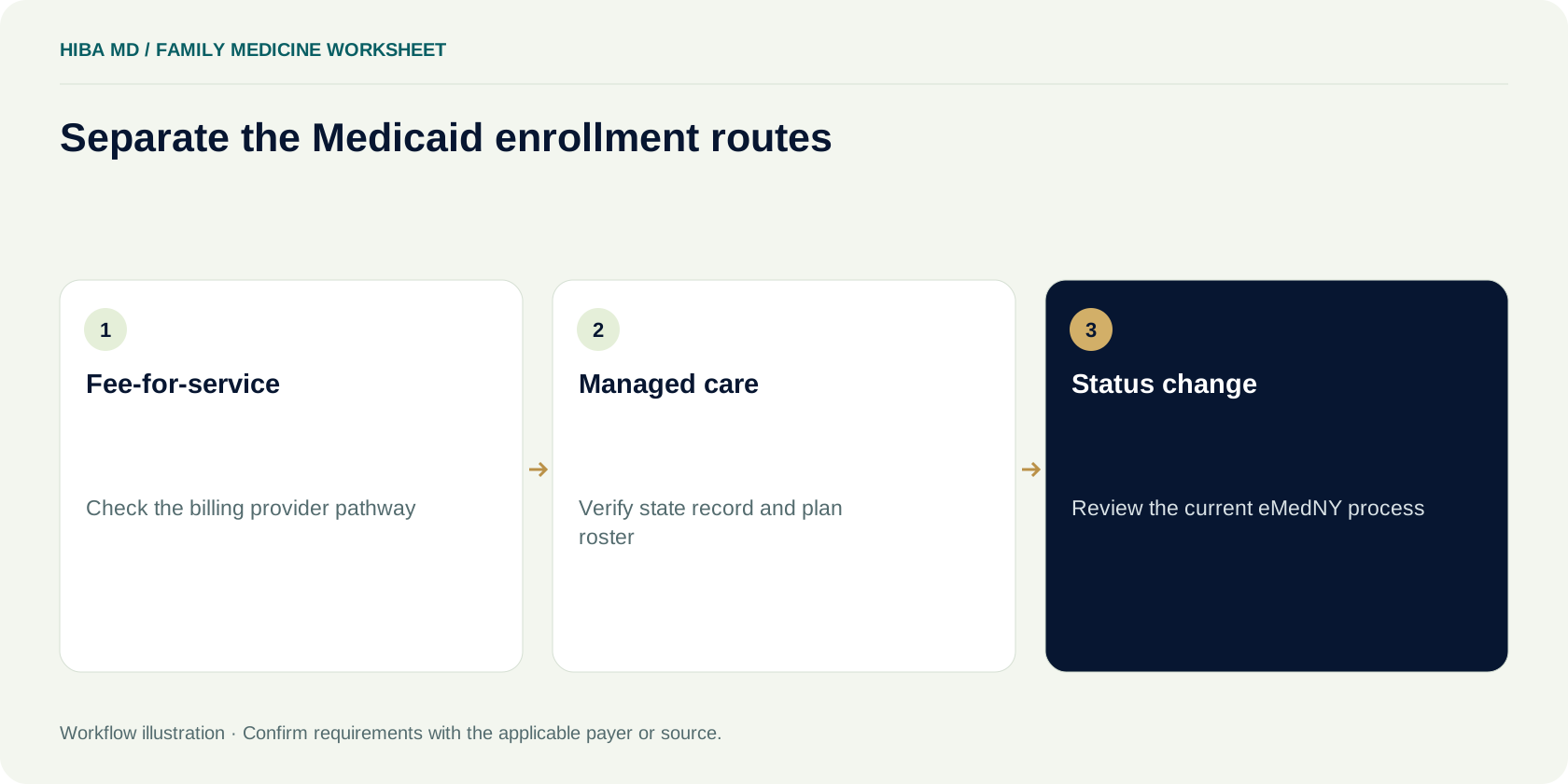
Separate New York Medicaid fee-for-service and managed care
Open the eMedNY physician enrollment page to identify the applicable New York Medicaid path. It distinguishes a physician whose services will be billed to fee-for-service Medicaid from non-billing ordering, prescribing, referring or attending enrollment and managed care network provider enrollment. It also identifies a change path when a physician enrolled on a non-billing basis needs to bill fee-for-service. The practice should review the current instructions for its provider type, arrangement and services before relying on an existing record.
For a Medicaid managed care visit, confirm the member's actual plan and use its current provider instructions. Review the relationship between the state enrollment record and the plan's network or roster evidence. Keep those sources in different fields. If a roster email mentions the clinician without identifying the location or product, ask for the missing detail. An approval for one plan product cannot tell the scheduler how to handle another product with the same carrier name.
Use the enrollment determination when it arrives. The eMedNY enrollment guide explains that an approval determination includes an effective date and the Medicaid provider identifier. Save the evidence in the approved system and give billing the fields it needs for the actual claim. If the clinic wants to add a fee-for-service pathway after working only with managed care, review the change requirements first. Work from the new determination and the actual billing arrangement before updating release rules or moving visits to a different schedule.
Walk one fictional clinician through four readiness rows
For training, imagine a two-site family medicine practice using a provider code of FM-014. The physician will see patients at the original office and a newer office. The practice creates separate rows for Original Medicare at each site, a New York Medicaid managed care product at the newer office and the fee-for-service Medicaid work it intends to add later. The rows all refer to the same clinician, but each contains its own dates, evidence and release status.
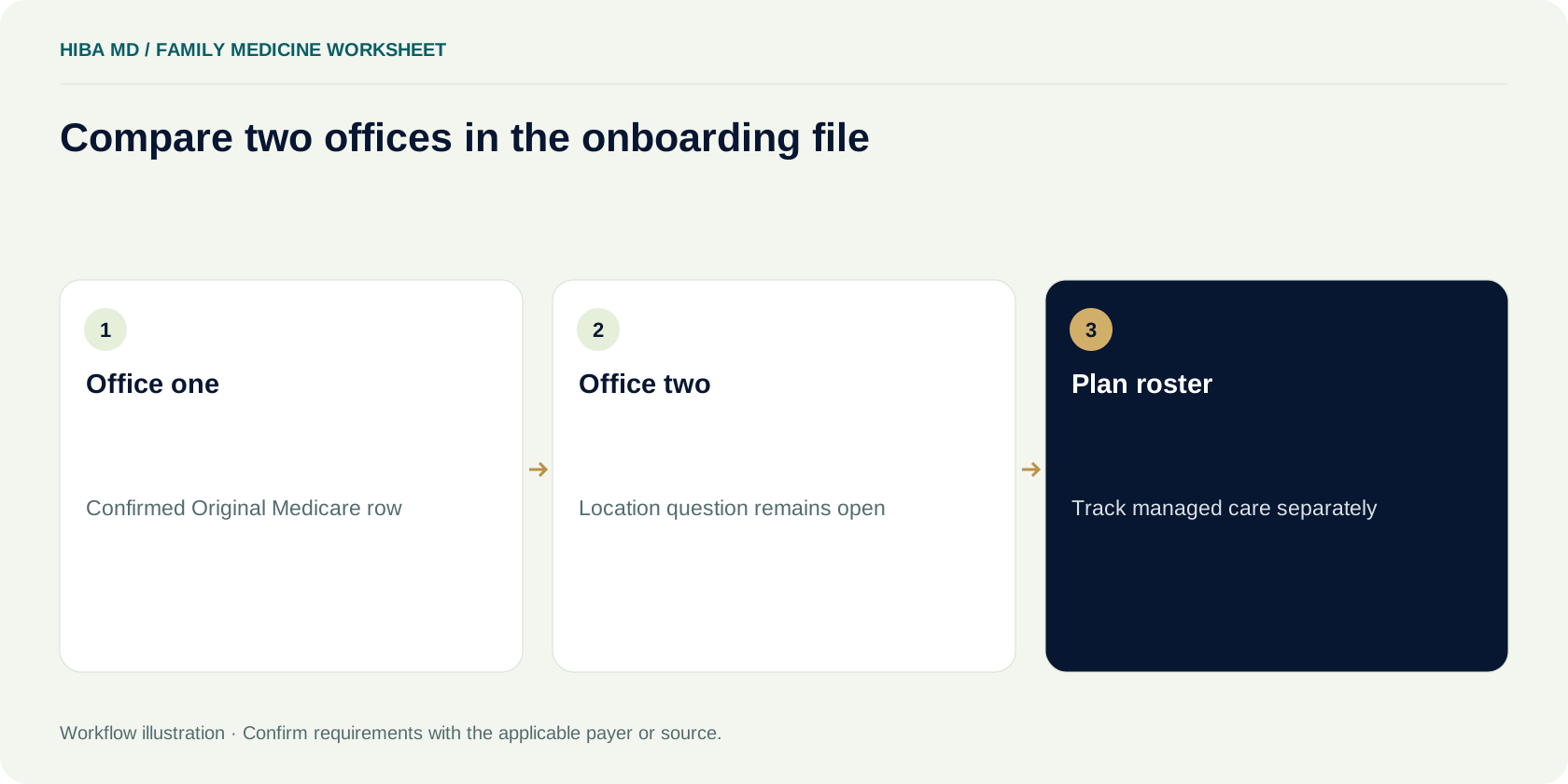
In the fictional worksheet, the Original Medicare row at the original office contains the group arrangement evidence, a verified location and a date the biller can check against the encounter. The row for the second office has an outstanding location question. Mark the first row ready for the normal prebill review and give the second row to the enrollment coordinator. The Medicaid managed care row shows a state record and a pending plan response for the location. Give it a separate follow-up date. Keep the intended fee-for-service row in planning status until the practice verifies the enrollment path and applicable evidence.
Ask a second reviewer to open the worksheet and answer a scheduling question for each row. Give them a service date and a product, then ask which location and clinician the answer applies to. If they have to call the person who created the sheet, add the missing context. An internal tracking label should lead to a specific source and a named next action. Use fictional identifiers and omit patient details when sharing the worksheet for training.
Set a review queue for visits before confirmation
Decide how the clinic will handle a patient who already booked an appointment before the readiness check is complete. Give scheduling a defined path to the practice manager or coverage team. The clinical team can address care and continuity questions. The enrollment or billing lead can explain what has been verified about the plan and claim arrangement. Make the patient communication accurate and keep it consistent with the practice's policy and applicable rules.
A held billing item should retain the actual clinician, service date and site. Note why release was stopped, the documentation needed, the owner and the next review date. Keep an applicable filing date on the record so staff can see when the issue needs escalation. If multiple encounters have the same unresolved enrollment question, link them to one tracked issue while preserving the dates and evidence for each encounter. A later decision might apply to some visits and leave others in review.
Review the oldest and most time-sensitive items separately. A scheduler may need an answer today for a visit tomorrow. A biller may have a filing issue on a much older encounter. Use the next action date to prioritize, and keep the original hold date visible so delays are measurable. If a product stays unresolved after repeated follow-ups, ask the manager to confirm who owns the next decision and when the practice will update the patient or staff affected by it.

Audit the first claim that actually leaves the system
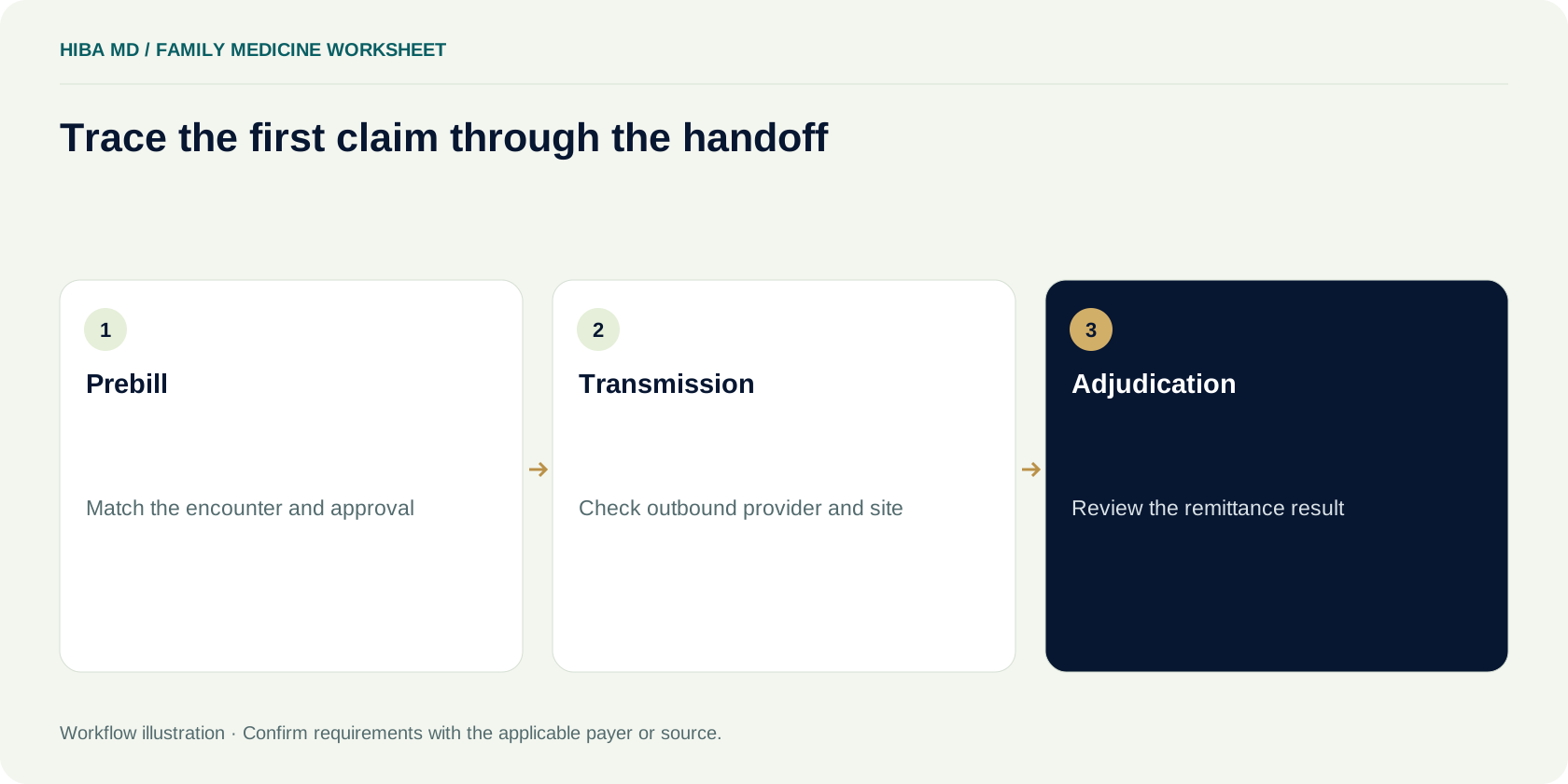
When a row is ready, select an actual encounter for a prebill comparison. Open the encounter, proposed claim and approval record together. Verify the payer route, rendering clinician, billing entity, date and site. Compare the expected values with the electronic claim output. A practice management screen can show the right provider while a clearinghouse mapping sends an older identifier or location. If the billing team just changed the provider setup, inspect the first few claims from each affected site and product.
Record the reviewer, date and source of the release decision. If an interface produces the wrong value, preserve the actual outbound field and the approved source for the analyst. For example, show that the second office’s visit inherited the first office’s service location from the template. After the mapping is corrected, test a case from each office so the fix does not replace one default error with another.
Once the claim is sent, save its acknowledgment and check the adjudication separately. An accepted submission can still receive a denial. If the first remittance raises an enrollment issue, locate the exact claim line and compare it with the approved arrangement for that date. Route any unresolved difference to the enrollment or billing owner. A remittance for one product and site gives you evidence for that claim. Continue checking other combinations that remain untested.
Prepare for changes after the first month
A clinician may add a location, change the group relationship or stop seeing patients under one product. Keep the effective date of the change and the last confirmed record for the previous arrangement. CMS's Medicare enrollment guidance describes reporting deadlines that vary by the change and provider type. Its instructions for physicians, non-physician practitioners and their organizations include a 30-day reporting window for a practice location change. Use the applicable current rule and record the deadline and submission evidence.
When the clinic moves an office, sample work from both sides of the change. Verify the actual location for rescheduled visits and preserve the historical setup for late charges. Have staff check that a new address entered for future appointments does not overwrite the source for an encounter from last month. A similar check helps when a provider leaves one group but continues to work at another. Save the last known effective period and any pending claims that still rely on it.
For each update, give the scheduler a simple effective-date note and the biller a link to the source record. If a payer confirms a narrower change than expected, update only the relevant product or site rows. A practice that uses one broad provider status may need a temporary exception procedure while the software is being configured. Test it with a case from the changed site and another from a site that should continue to bill under the earlier arrangement.
Decide which enrollment follow-up deserves escalation
A weekly meeting may start with six unresolved rows, but the work needed on each can differ. One case is waiting on a clinician signature, another has an old submission reference with no current status, and a third has a written decision with the wrong location. Give each issue the right owner. The practice manager can help obtain the signature. The coordinator can check the status through the payer's approved process. The biller can show where the location mismatch would affect claim output.
Set a date for checking the response and write down what will count as a resolution. For a wrong location on a payer record, a promise that someone is looking into it may justify a follow-up date, but the billing reviewer still needs confirmation that applies to the location. For a missing signature, distinguish a signed copy held in the clinic from evidence it was submitted to the payer. If the practice changes its planned launch date, update the schedule while preserving the unresolved record and its history.
Track the pattern when the same issue happens repeatedly. If multiple applications are missing the same signature, update the pre-submission checklist with the role that has to sign. If the payer responses lack product details, prepare a standard clarification question. Retest the change on the next submission or call. A report that only counts approvals will miss the causes of delays that the practice can fix before the next hire.
Reconcile two payer records that disagree
Suppose the practice's plan portal lists the new physician under the group, but the roster confirmation names only the original office. The scheduling system already offers visits at the second office. Ask the plan to confirm the exact product, group and location in question. Include the case reference and state what the two records show. Record any answer with its source, date and scope. A saved portal view can show what staff saw at the time, while a clarification can explain whether the second office was included.
Once the plan responds, have someone compare the answer with the provider master and the draft claim. If the plan confirms only the first office, release decisions for that office can proceed through their normal checks. Give the second office row its own next action and tell scheduling which location the answer covers. Keep the earlier screenshots and messages in the approved record so the team can reconstruct what it relied on when an appointment was originally booked.
A useful status note for this training case might read “Product A, Group G, office one confirmed in dated response. Office two still pending, enrollment coordinator to check the roster case Friday. Hold claims for office two pending review.” The scheduler can explain that a second-office appointment needs confirmation. The biller can stop only the affected claims instead of freezing the clinician's entire queue. If the plan supplies a revised effective date, record it and recheck the dates of any visits already on hold.
Before closing the issue, check whether the corrected record reached the systems that use it. The practice directory, scheduling template and claim setup can refresh on different schedules. Ask each owner to verify the field their team sees. If one system remains stale, record a temporary review step and a date to remove it. The next hire can use the same sequence to test whether a roster correction updates the right records without changing other sites.
Review the onboarding file after the first remittances
At the first review, compare how many active product and site rows have a documented decision, how many still have an enrollment question and which released claims have a remittance. Keep pending work visible. Count unresolved rows separately from rejected or denied claims, since one missing site confirmation can hold several visits. Record the reporting cutoff and the basis for each count so the practice can compare the next week's review with the same measure.
Ask each owner for one item that would let them close a row. The scheduler may need a product-specific answer before confirming a visit. The enrollment coordinator may need a payer response that names the site. The biller may need the first remittance for a released claim. If a case has moved to the next owner, write that handoff down. Close the row only when the needed evidence is available or the practice has documented a decision to stop pursuing that arrangement.
Use the next hire to test whether the file is easier to work. Ask someone unfamiliar with the first case to trace one row from the original application through the first remittance and explain which source supported the dates. If they cannot tell which documents belong to the clinician and which belong to the group, rename the records or adjust the fields before onboarding another clinician. Keep the training version separate from the real records. Share workflow questions and aggregate figures in outside discussions.
Frequently asked questions
Who handles Original Medicare enrollment for New York?
CMS lists National Government Services as the A/B Medicare contractor for Jurisdiction K, which includes New York. Use current CMS and contractor enrollment instructions for the individual and group arrangement.
Does a new clinician’s NPI mean the group can bill?
An NPI identifies the provider. Verify the payer enrollment, group relationship, product, location and effective date for the actual visit before releasing a claim.
Which Medicare form covers reassignment?
Use PECOS or the current applicable CMS-855I instructions. CMS consolidated the separate paper CMS-855R into CMS-855I. Verify the signatures and requirements for the transaction.
Does a New York Medicaid managed care record allow fee-for-service billing?
Use the current eMedNY pathway for the physician’s role. The site distinguishes fee-for-service billing and non-billing or managed care enrollment and describes how to request a change.
What if an encounter happened before the confirmed effective date?
Keep the actual encounter and clinician details. Review the applicable effective-date and retrospective-billing requirements with the payer or contractor, and track the decision before claim release.
What should I verify on the first claim for a new physician?
Compare the actual visit, payer determination and outbound claim for rendering clinician, billing group, product, service date and location. Track the acknowledgment and remittance separately.
Sources and editorial notes
Written by the Hiba MD editorial team. Reviewed 2026-11-11. Worked examples use illustrative figures, not client results or performance benchmarks. This guide explains administrative workflows; check current payer requirements for claim-specific decisions.
