Your first month of medical billing is free. No conditions. Let's get started ↗
Checklists / Free to use

Medical Billing Clean Claim Checklist

Review patient information, payer routing, provider details and documentation before sending a medical claim. Work through the pre-submission checklist.

Browser-localNo email requiredSave your result
01 Your practice figures

Review your workflow

Check the items you have reviewed. Nothing is saved after this page closes.

No signup. Inputs stay in this browser tab. Results are not sent to Hiba MD.

02 Your result

Your result

Ready when you are

One clear view of your workflow.

Check an item to see your progress and what still needs a review.

Get help with medical coding support

Bring your result or a billing question to a free audit. Explore Medical coding support.

Discuss my billing question

Formula or method

A completed checklist is a self-review aid, not coding validation or a payer clean-claim guarantee.

Walk through an example

Pick one charge from a new site. Compare the completed encounter, rendering provider and location with the outbound claim before releasing the rest of the batch.

Common questions

Is a completed checklist a payer acceptance decision?

Use the checklist for pre-submission review. After sending the claim, track the payer acknowledgment and then the adjudication result in their own fields.

Where do my inputs go?

The tool runs in your browser. Downloaded results stay on your device. Use aggregate practice figures and leave patient information out.

Official references

Hiba MD editorial team · Our editorial approach
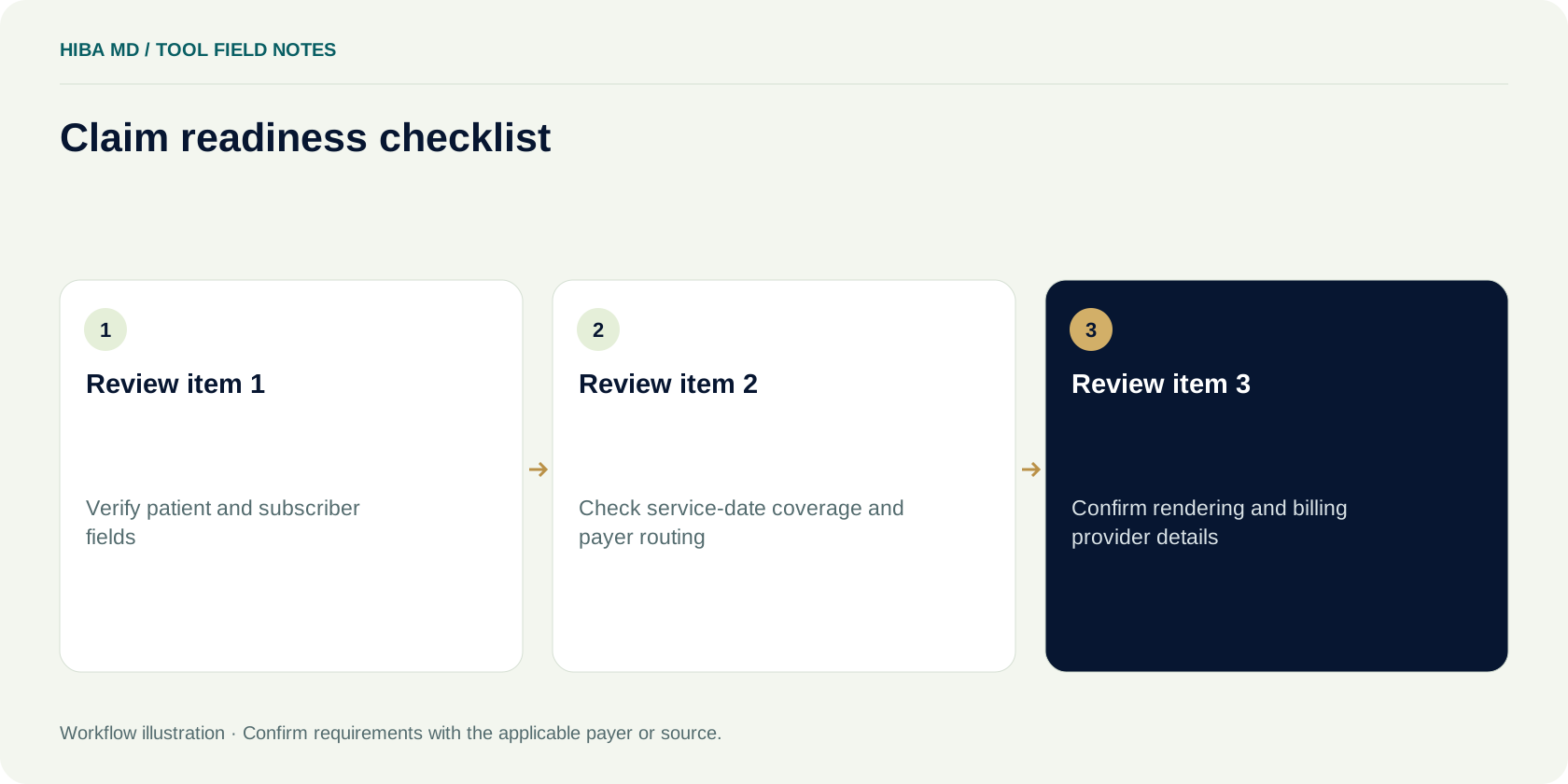
Claim readiness checklist — Review item 1: Verify patient and subscriber fields. Review item 2: Check service-date coverage and payer routing. Review item 3: Confirm rendering and billing provider details
A visual guide to the workflow. Read the page for context, definitions and applicable sources. Open full size ↗
Hiba MD Medical Billing
Get my free auditCall 980-347-0695